
SEO Booster Credits portal
Sign in at seoboosterpro.com/credits to view balance, buy credit packs, review usage, and manage API keys for your WordPress sites.
AI and Credits overview · Connect in WordPress · Open portal
URL: seoboosterpro.com/credits/
The Credits portal is your home for prepaid AI usage. It is separate from the Pro license portal on seoboosterpro.com/account/. Use Credits to buy packs, check balance, review usage, and create API keys for WordPress.
You can also open it from the site header: Credits (next to Account).
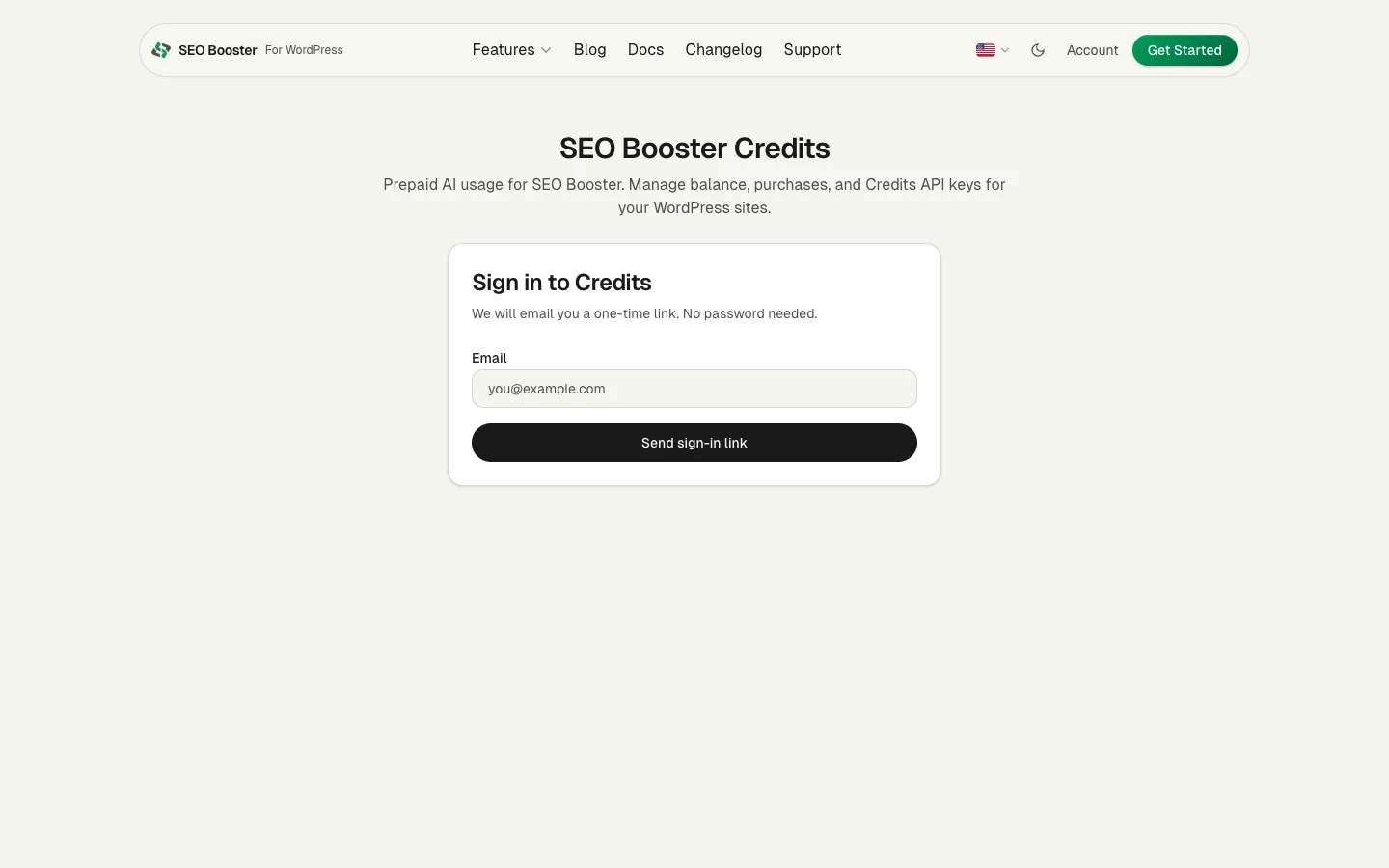
Sign in (magic link)
No password is stored for the Credits portal.
- Open seoboosterpro.com/credits/.
- Enter the email you will use in SEO Booster Settings.
- Click Send sign-in link.
- Open the one-time link in your email within about 20 minutes.
The link expires after use or when time runs out. Request a new link anytime. Use the same email later when you connect WordPress.
After you sign in
You land on a dashboard with:
| Area | What it is for |
|---|---|
| Balance | Your email, remaining credits, and a short note if welcome credits are still on the account |
| Buy credits | Five one-time packs |
| Account activity | Usage, Purchases, and API keys tabs |
New accounts receive 20 welcome credits on first successful magic-link sign-in. Unused welcome credits expire after 90 days of inactivity. Purchased credits do not expire.
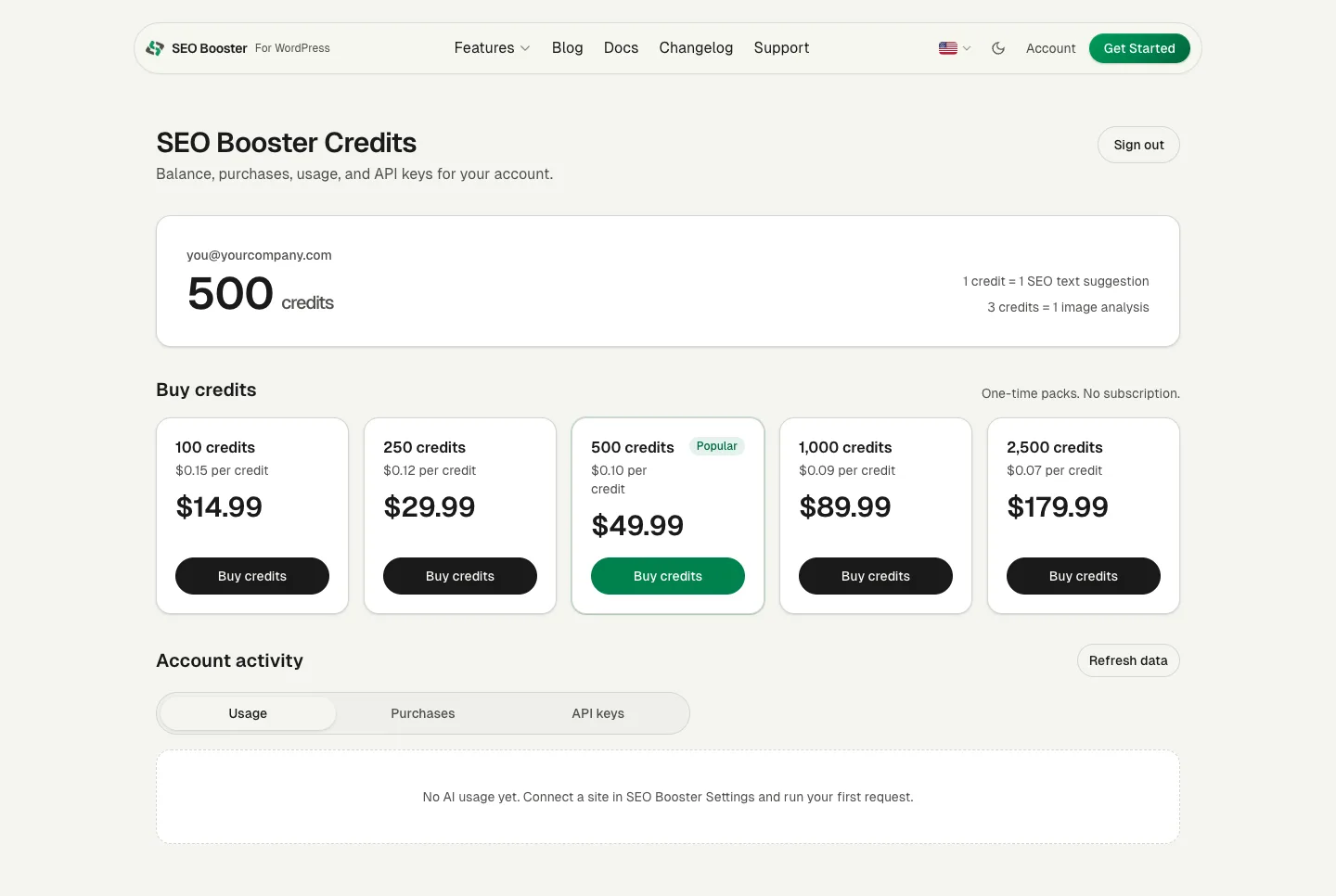
Use Refresh data after a purchase if the balance has not caught up yet. Stripe usually confirms within a minute.
Buy credit packs
Each pack is a one-time Stripe checkout. There is no Credits subscription on the wallet.
- Pick a pack and click Buy credits.
- Complete checkout on Stripe.
- Return to the portal. Credits appear after payment is confirmed.
Pack sizes and per-credit rates: pricing and costs.
Usage tab
Open Account activity → Usage to see AI requests charged to your account: date, action type, site URL, API key label, credits used, and status.
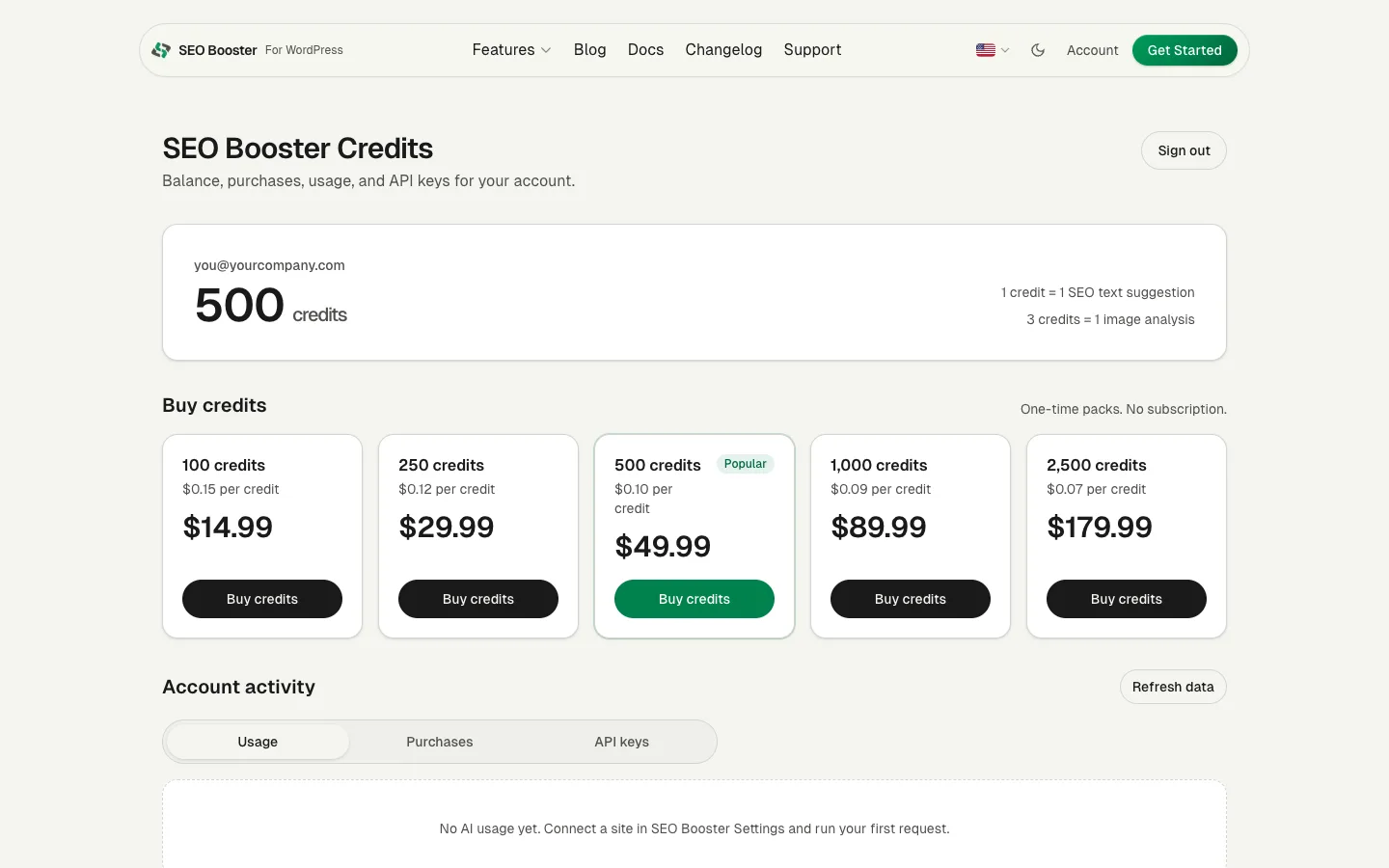
This is the best place to confirm that a WordPress site is spending as you expect.
Purchases tab
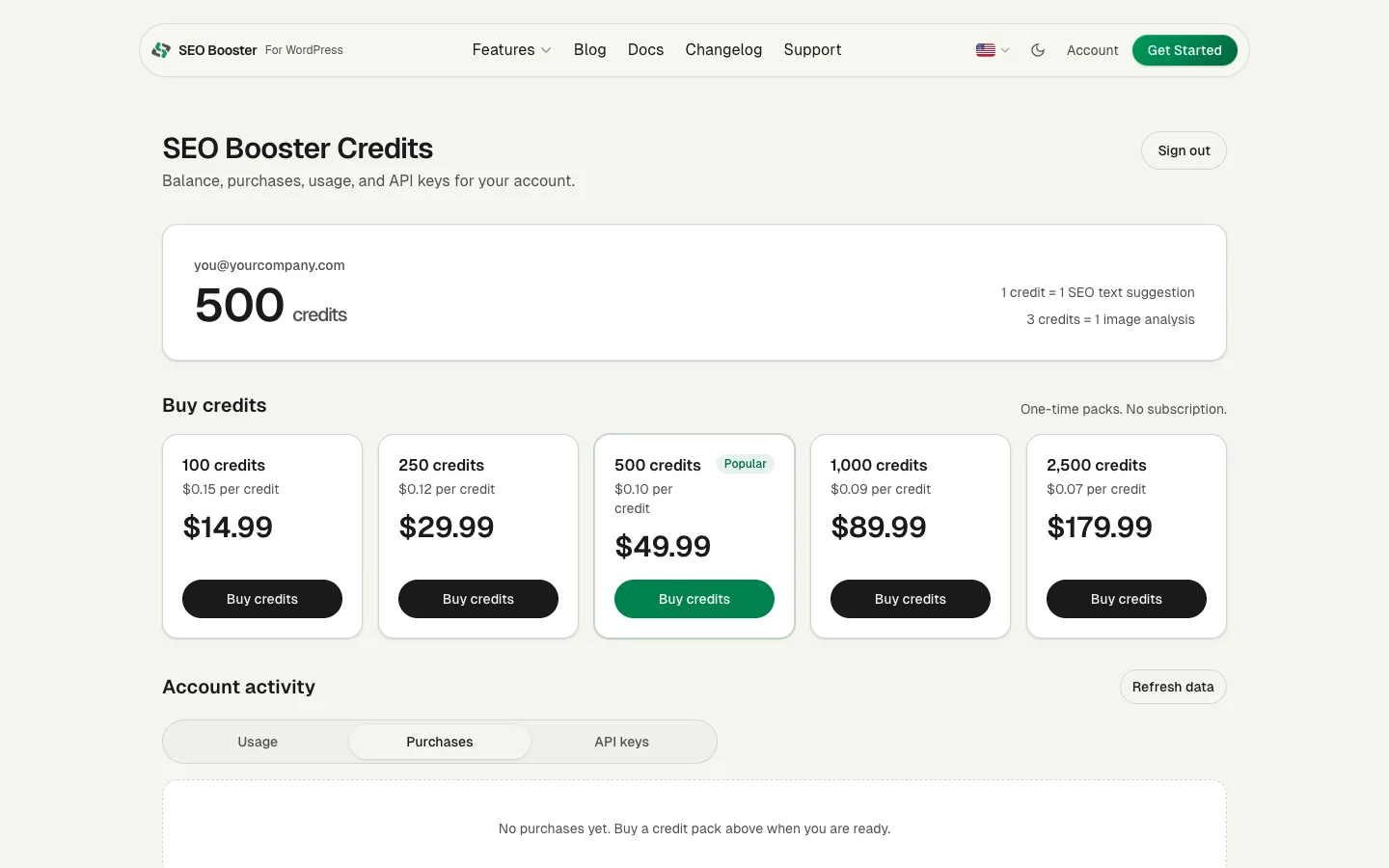
Open Account activity → Purchases for pack history: date, pack size, credits granted, amount paid, and status.
API keys tab
Create one labeled key per WordPress site, copy it into Settings, or revoke keys you no longer need. Optional budgets limit how much one site can spend.
Full guide: Credits API keys and budgets.
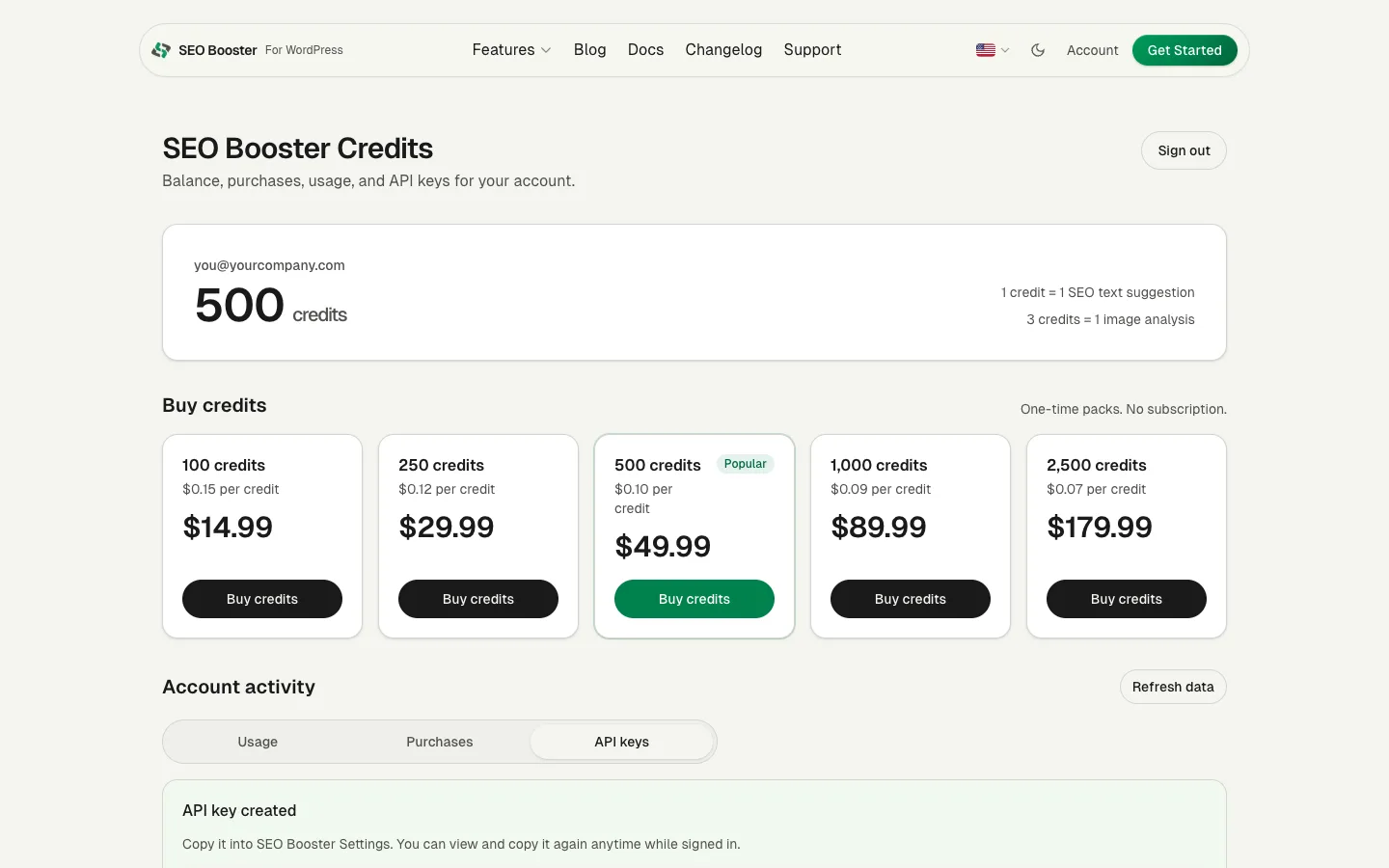
Sign out
Use Sign out in the top right on a shared computer. Portal sessions use a secure sign-in cookie.
Tips
- Keep portal email and WordPress connect email identical.
- After buying a pack, refresh the portal, then use Refresh in SEO Booster Settings so the plugin balance updates.
- Pro license billing stays on
/account/. Credits billing stays on/credits/.
Related
Browse topics