


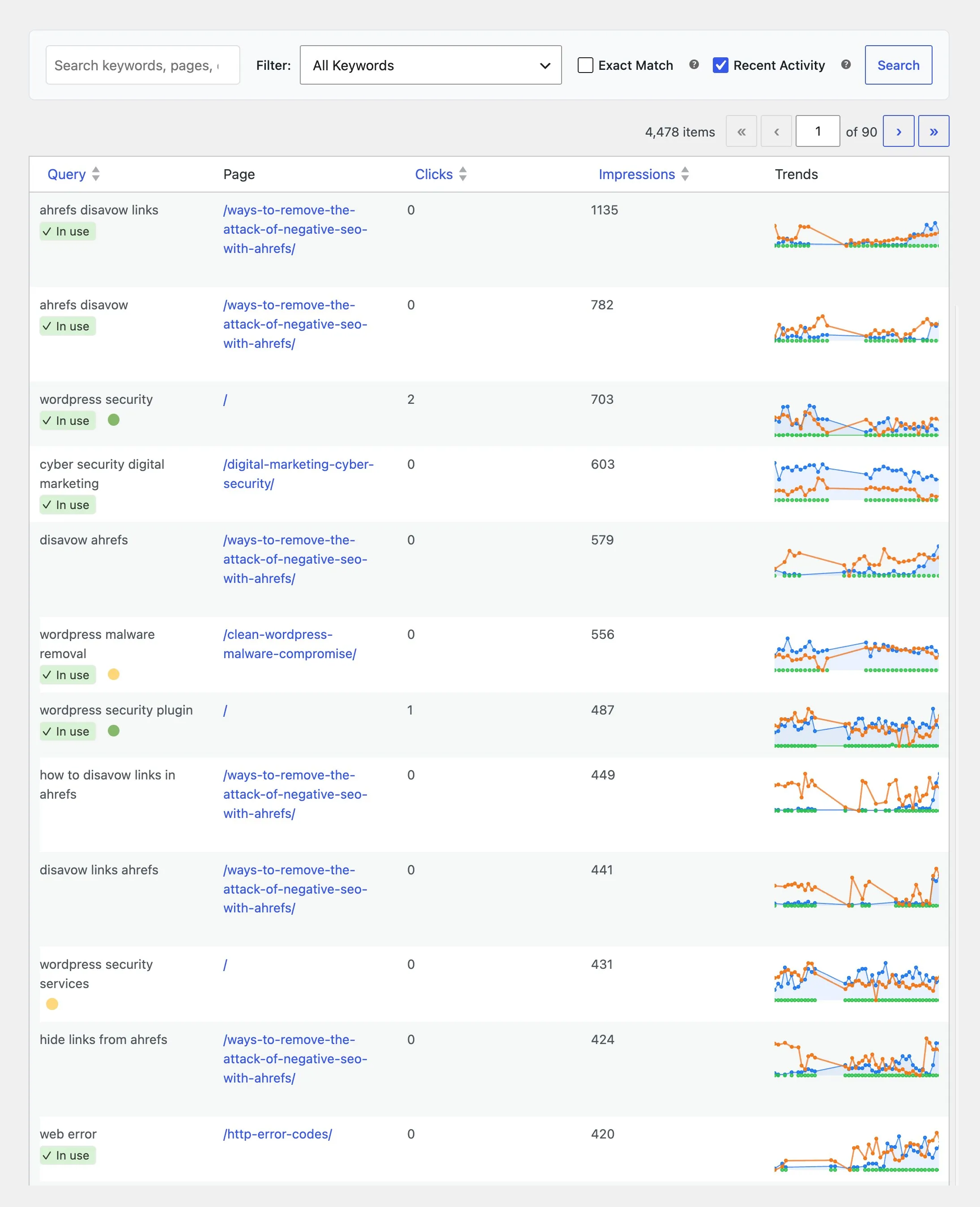
Search Console
Keywords, CTR, and impressions on every page, synced on a schedule.
SEO Booster Pro · WordPress SEO plugin · Search Console in your admin
SEO Booster for WordPress imports Google search data, finds page issues, and fixes links and meta where you already edit.
Works with your SEO plugin, and makes it smarter.
Keep the SEO plugin you already use. We add Search Console context, a clear fix list, automatic links, and tools that write into the meta you already have. Works with Yoast, Rank Math, AIOSEO, SEOPress, and TSF.
What is it?
SEO Booster WordPress (and SEO Booster Pro) is a plugin with Search Console, on-page checks, and your real search data on every page.
Who is it for?
You with a blog, shop, or business site who want more visitors from Google without spreadsheets.
What do you get?
A prioritized list, automatic internal links, and tools for bulk work when you have many pages.
SEO Booster WordPress brings Search Console, analysis, tools, and monitoring together where you edit.
Keywords, CTR, and impressions on every page, synced on a schedule.
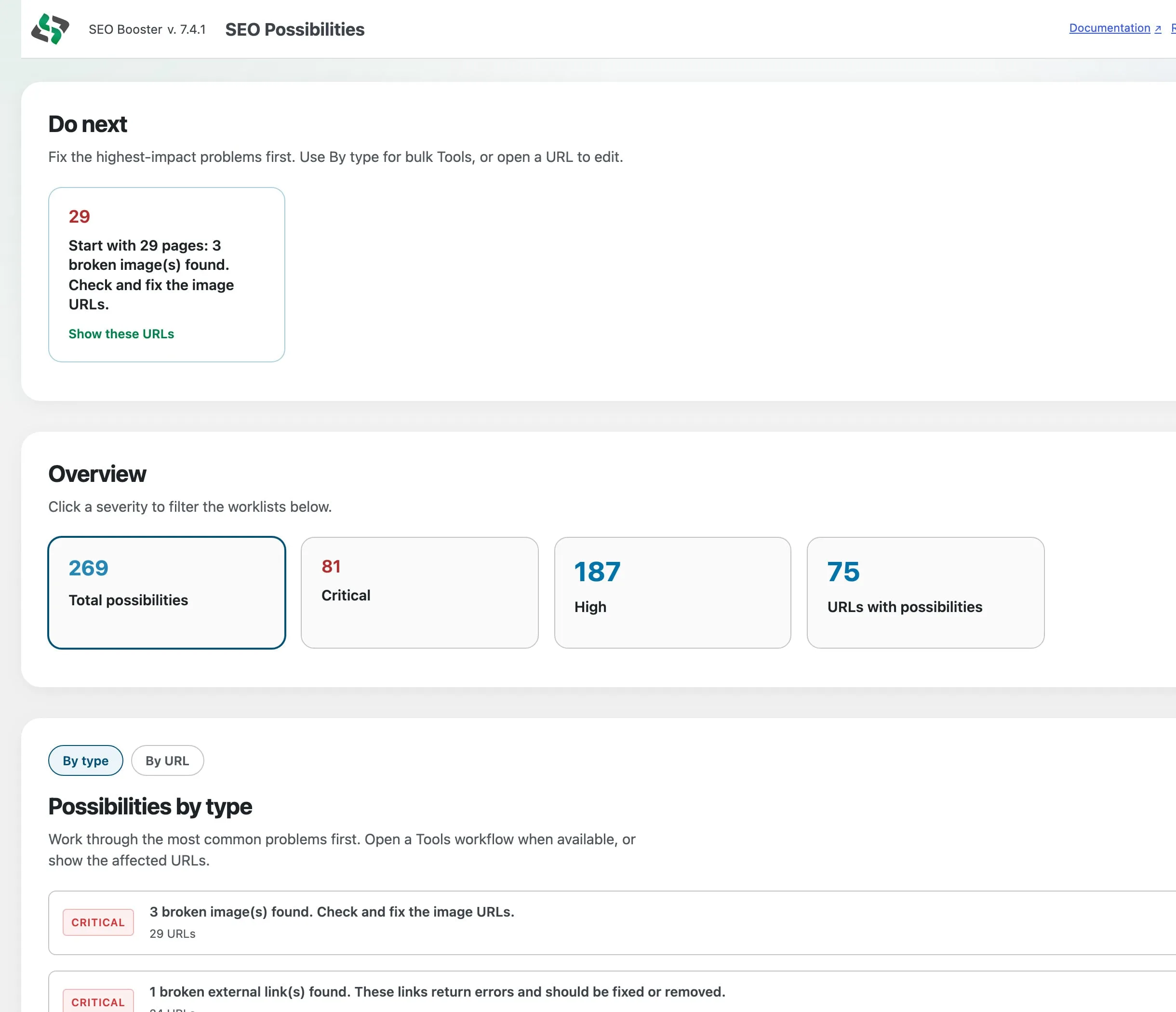
On-page checks and GSC signals combined into prioritized fixes that move traffic.
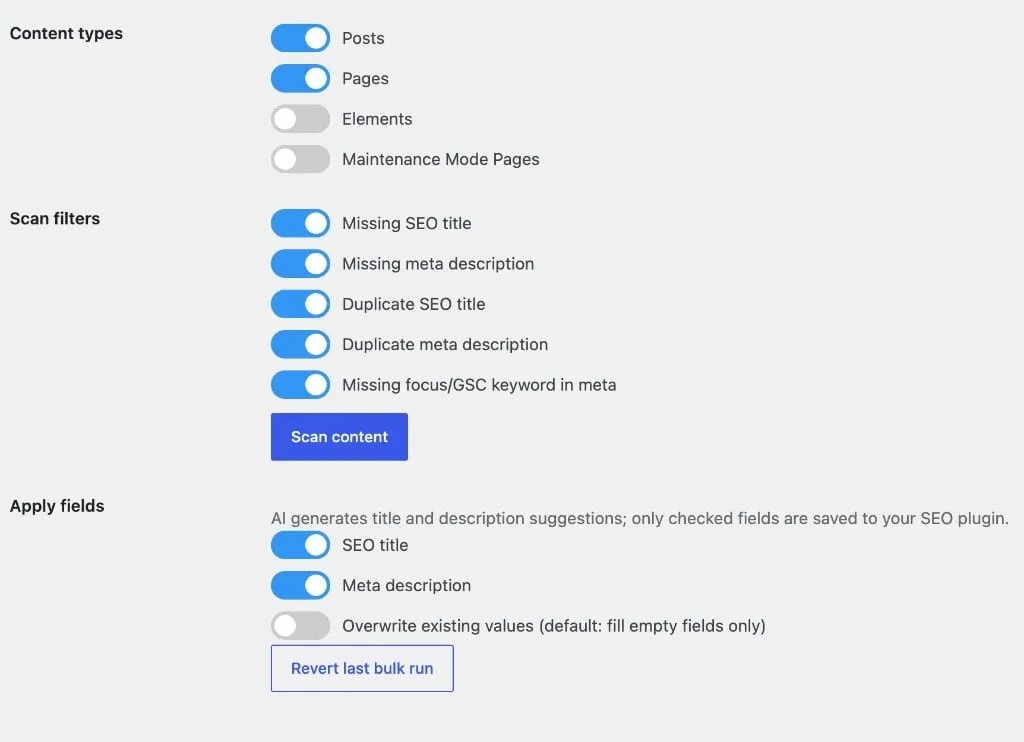
Bulk meta, images, and Pro workflows when the list gets too long for one page at a time.
Automatic linking
Set keyword-to-URL rules once. Matching phrases link themselves.
Discovery
See which AI crawlers visit you, and help systems understand who you are.
Monitoring
Weekly emails with progress and wins. Pro adds 404 monitoring.
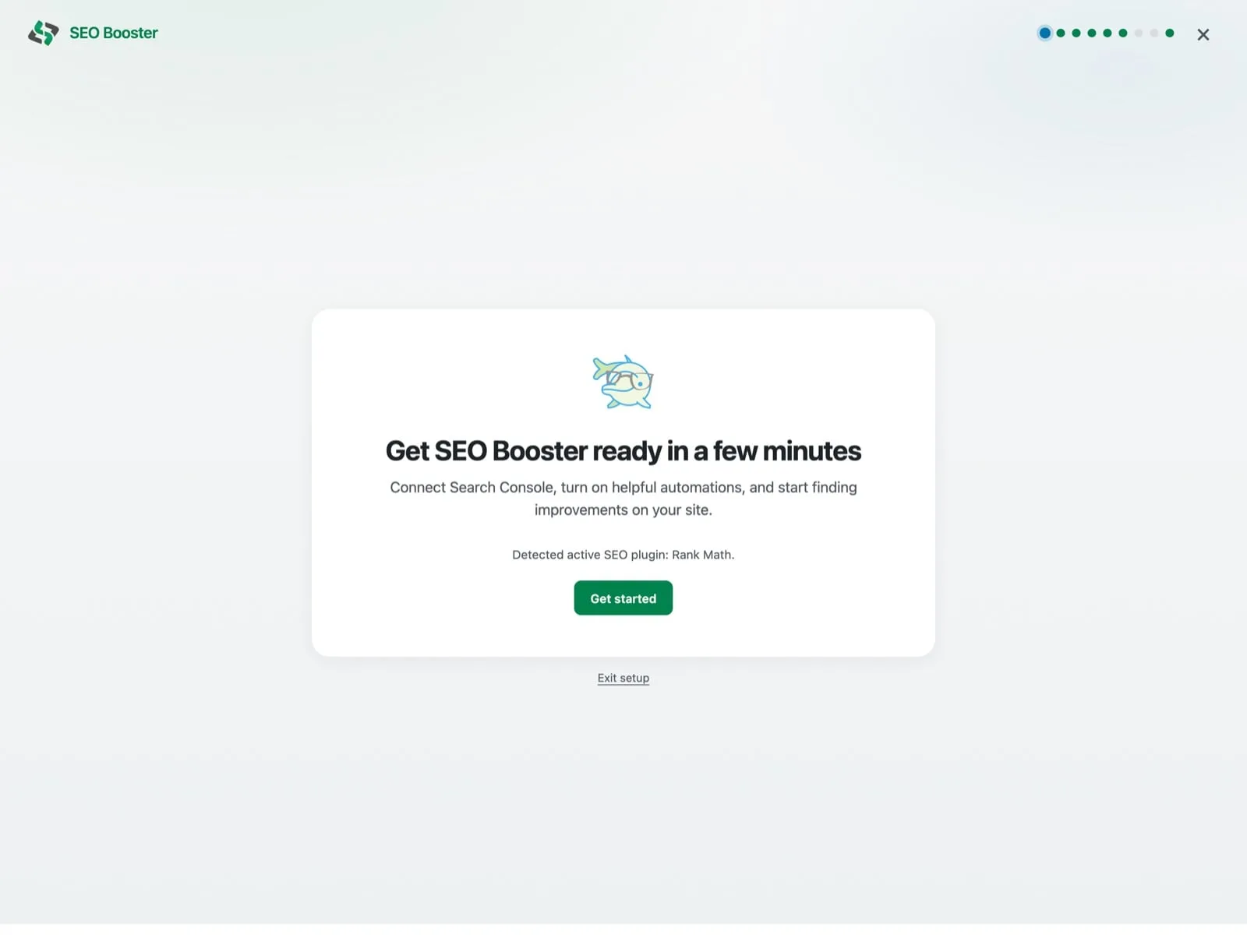
Setup Wizard
After you activate the plugin, the Setup Wizard walks you through Search Console, weekly email, automatic links, and your first scan. Skip any step, finish later.
SEO Possibilities
Free lists every on-page and GSC finding by URL. Pro adds Do next, By type, and Mark as done so you clear the queue faster.
Search Console
Search Console keywords sync on a schedule and stay in WordPress, impressions, clicks, CTR, and position in the editor, plus admin-bar stats when you view the frontend.
Explore GSC integrationAutomatic internal links
Map keywords to the right URL. Turn on autolink on the pages you want. Matching phrases become links when the page is viewed, including on new content. No hand-editing hundreds of pages.
Tools
Find missing titles and alt text, get AI suggestions when you want them, and undo a whole batch if something goes wrong.
The free plugin is a full SEO workflow tool. Pro adds monitoring and power-user conveniences for agencies and multi-site setups.
AI advisor, Possibilities work queue, Entity Map, Markdown URLs, batch Pro Tools, 404 monitoring & priority support.
View pricingReal reviews from SEO Booster customers on WordPress.
“After two weeks of using the SEO Booster plugin for WordPress, I am very satisfied. This plugin makes it easy to view data from Google Search Console, which is a significant advantage. For anyone serious about search engine optimization, this plugin is highly recommended.”
“A true gift for anyone with a WordPress site and a desire to do better in Google. Easy to setup, easy to use. As a professional SEO consultant for 26 years I can only recommend this plugin.”
“I used to dread SEO. Now it feels like foreplay for performance, gentle nudges, powerful results. SEO Booster is intuitive, elegant, and utterly empowering.”
“Generelt oplever jeg, at dit plugin har løftet min SEO markant. Et af mine vigtigste og mest konkurrencestærke søgeord er nu endelig kommet op på side 1 i Google, det er jeg virkelig imponeret over.”
“I installed the SEO Booster plugin a few days ago. It just needs time to get all the way around my pages. I can see now that everything is much easier now.”
“Seems like a simple straightforward subtle powerhouse.”
No. Search Console is part of it, but the plugin also runs on-page checks GSC does not show, finds cannibalization, suggests per-page improvements from traffic data, automates internal links, tracks AI crawlers, and includes Tools for bulk meta and images. AI can help when the workload gets heavy, but you do not need it.
Yes. The free plugin on WordPress.org includes GSC integration, SEO analysis, automatic links, weekly reports, AI bot tracking, and Tools. SEO Booster Pro adds the Ask about your SEO AI advisor, Entity Map for AI/LLM visibility, AI bot blocking, 404 monitoring, Pro Tools for bulk work, autolink shortcuts, and priority support.
No. You do not need AI to use SEO Booster. Search Console sync, analysis, autolink, reports, and AI bot tracking work without it. When you want help with meta, images, and bulk fixes, use WordPress Connectors or prepaid SEO Booster Credits under Settings → AI / LLM.
SEO Booster complements Yoast SEO, Rank Math SEO, All in One SEO (v4+), SEOPress, and The SEO Framework (v5+). It adds Search Console insight, internal linking, actionable issue lists, and bulk meta/image tools that write into your active SEO plugin. See the compatibility guide for priority order when multiple plugins are installed.

Lars Koudal
SEO consultant · 20+ years experience
Why I built it
After 20+ years working with WordPress sites internationally, I kept seeing the same pattern: not enough insight, not enough time, or too many options without knowing where to start.
The problem is rarely Search Console alone. It is that data, on-page checks, and clear next steps do not live where people actually edit their site.
SEO Booster is built to bring that together in WordPress, especially on content-heavy sites where manual SEO would take forever.
Get Search Console in WordPress, a clear fix list, and Pro tools when the site gets big.
View pricing