

SEO
What's new: Markdown URLs and llms-full.txt in SEO Booster Pro 7.4.3
Pro can serve *.md and /index.md mirrors plus optional /llms-full.txt from the llms.txt Tools tab, with discovery signals and a per-page Include Markdown toggle.
Read articleBlog
Practical SEO advice and WordPress optimization guides.
Pro can serve *.md and /index.md mirrors plus optional /llms-full.txt from the llms.txt Tools tab, with discovery signals and a per-page Include Markdown toggle.
Read article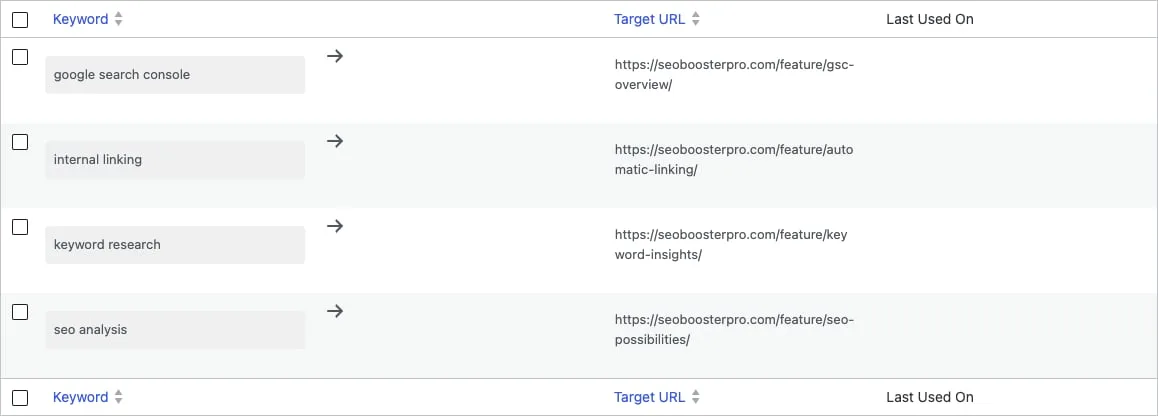
Set up SEO Booster Automatic Linking: keyword-to-URL rules, per-post enable, limits, cannibalization guardrails, and Pro bulk controls for WordPress sites.
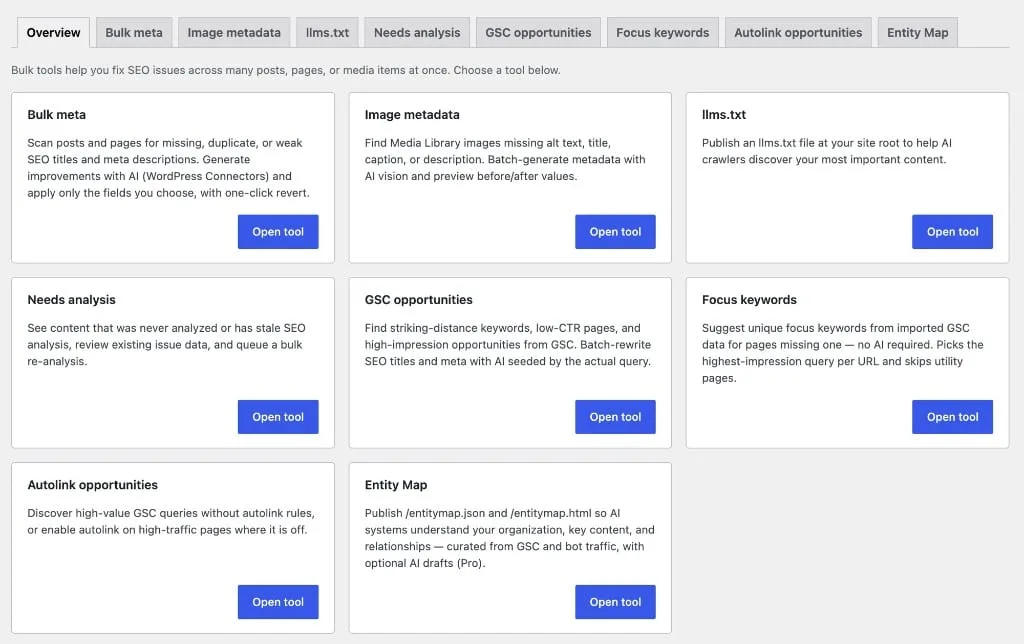
Detect content decay in WordPress with SEO Booster Pro Tools: pages losing Search Console clicks over 30 days, plus a fix workflow tied to declining keywords.
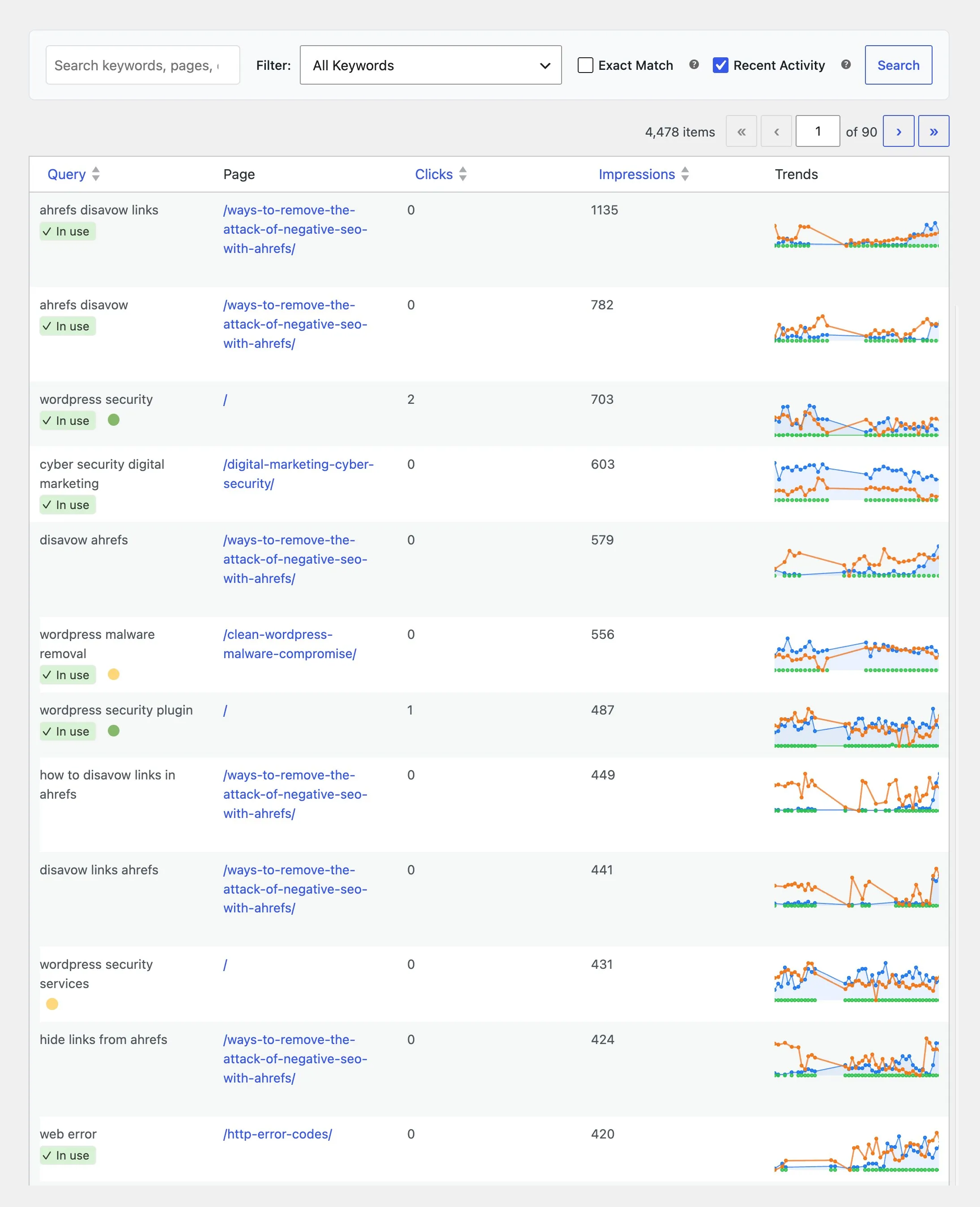
Connect Google Search Console to WordPress, read impressions and clicks in SEO Booster, and learn where to find keyword reports without leaving wp-admin.
Keyword reporting in WordPress: where to find SEO keyword reports, declining terms, top performers, and CTR gaps inside SEO Booster after GSC import.
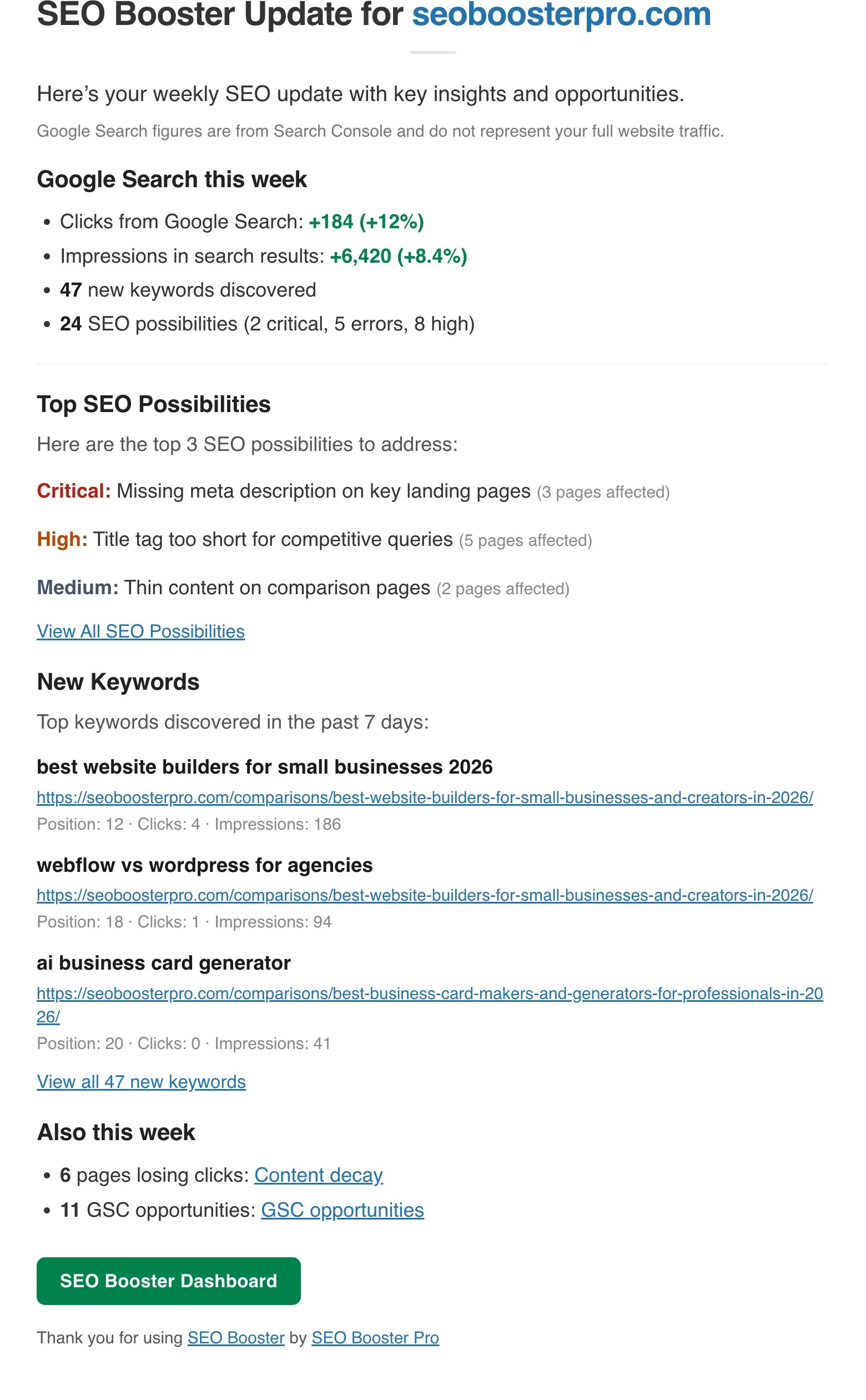
What arrives in the SEO Booster weekly email, how to act on each section, and how to enable Search Console reports in WordPress without daily GSC logins.
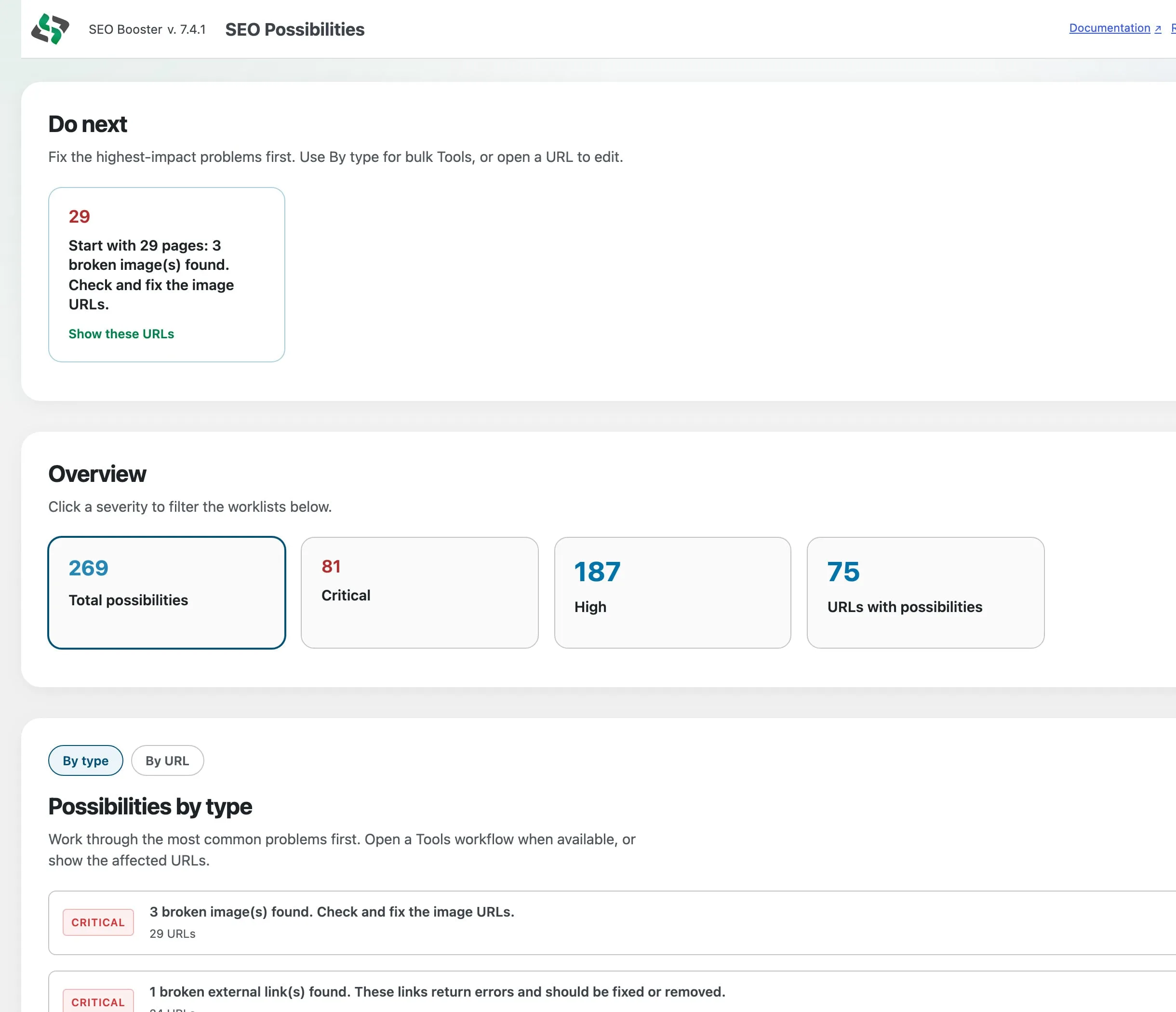
Sitewide chrome findings, Ignore this type, softer opportunities, and accurate GSC low-CTR checks so the Possibilities queue stays actionable.
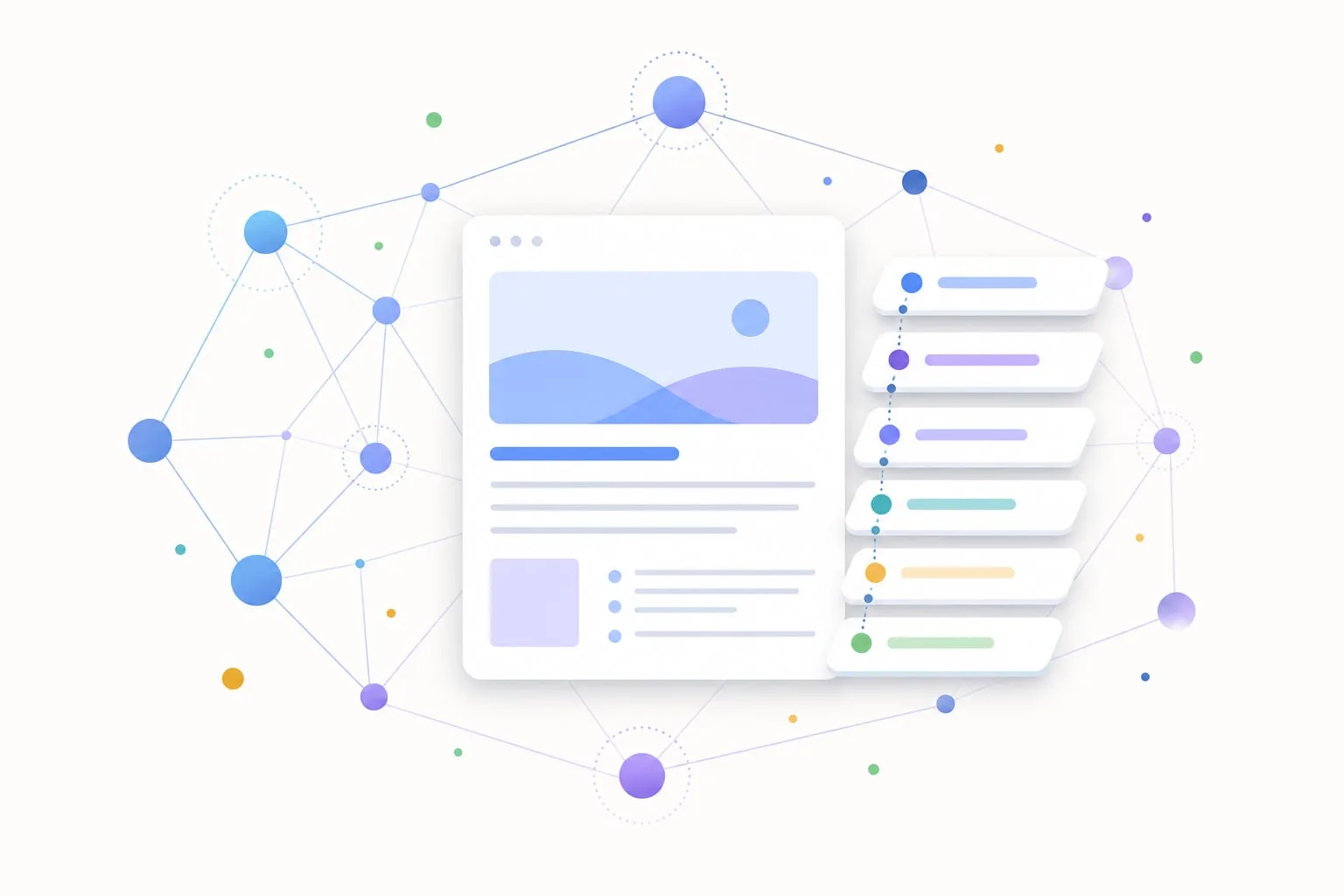
How we made the SEO Booster marketing site agent-discoverable with Content Signals, Link headers, api-catalog, Agent Skills, and Markdown, without inventing MCP or OAuth we do not run.
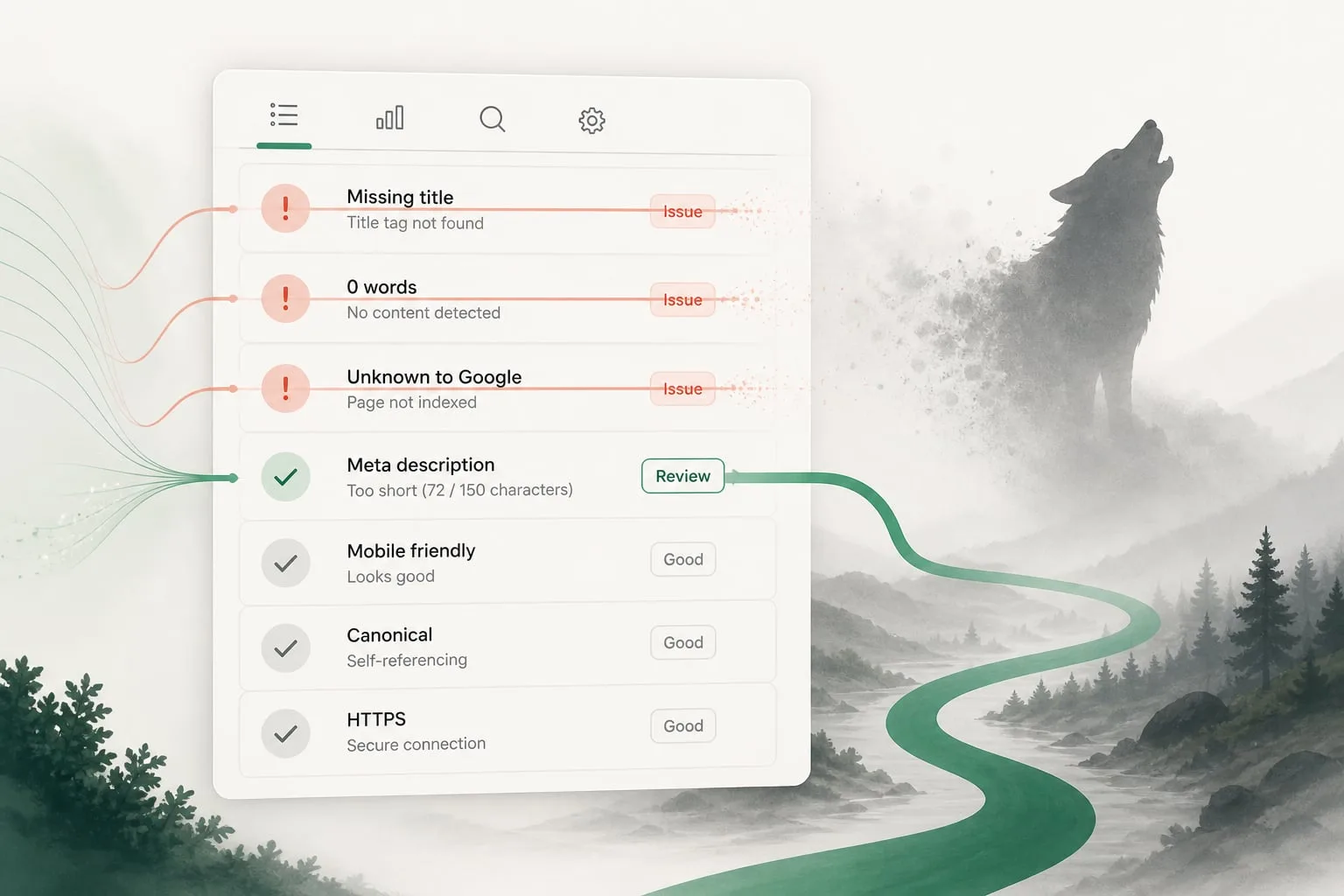
Empty custom fields, empty main landmarks, and vague Search Console states can look like critical SEO problems. SEO Booster now fixes those false alarms so you fix real issues instead.
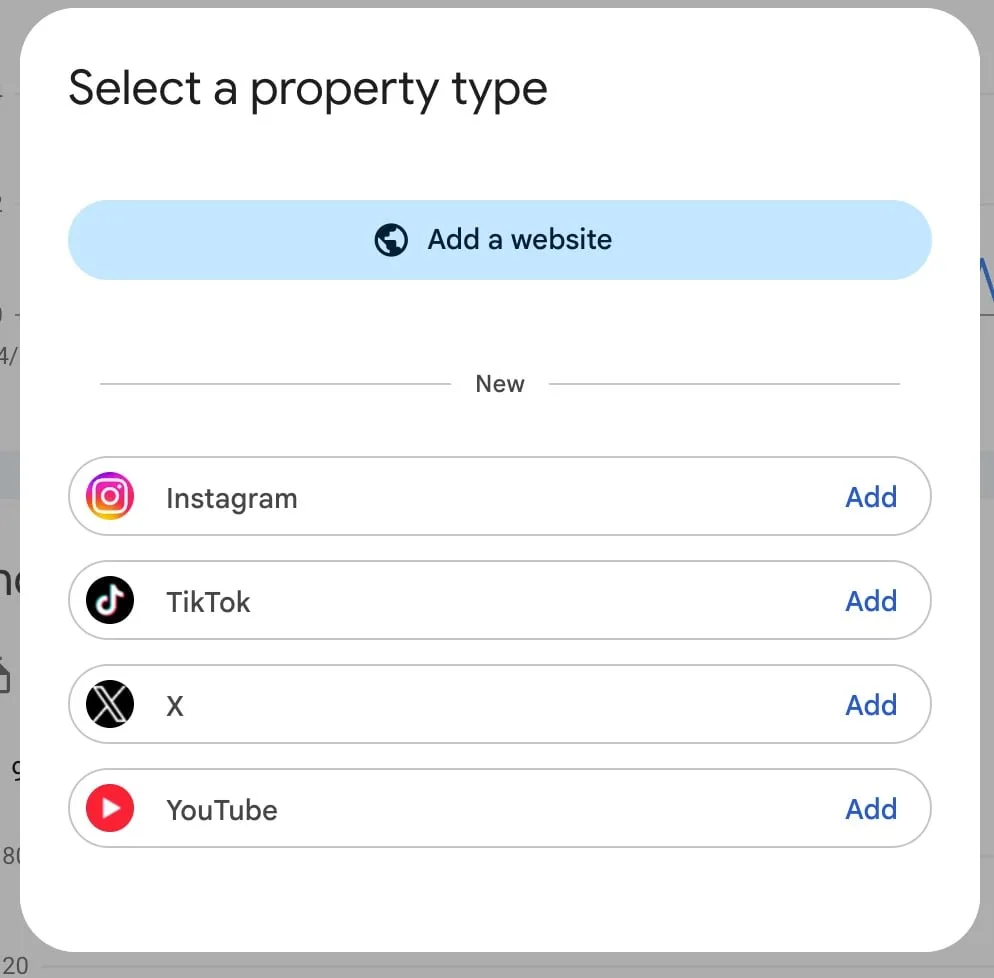
Platform properties let you see how social and video posts perform in Google Search, Discover, and News. What changed, how to add a property, and what to do while data loads.
Ship faster with the Setup Wizard, keep free Possibilities discovery, and clear the queue with Pro triage (Do next, By type, Mark as done).
Prepare your WordPress site for AI crawlers and answer engines without chasing hype. A clear stack covering crawl access, content, structured knowledge, measurement, and maintenance.
A practical guide to the /llms.txt convention for WordPress sites. Learn how it differs from robots.txt and sitemap.xml, how to curate links, and what publishing one can and cannot do.

Compare Entity Map, llms.txt, schema.org markup, and sitemap.xml without the marketing fog. Learn what each signal does, what it cannot guarantee, and when WordPress sites need which layer.

Learn how schema.org, JSON-LD, and site-wide Entity Map signals help machines interpret WordPress pages, without promising rich results or AI citations you cannot control.
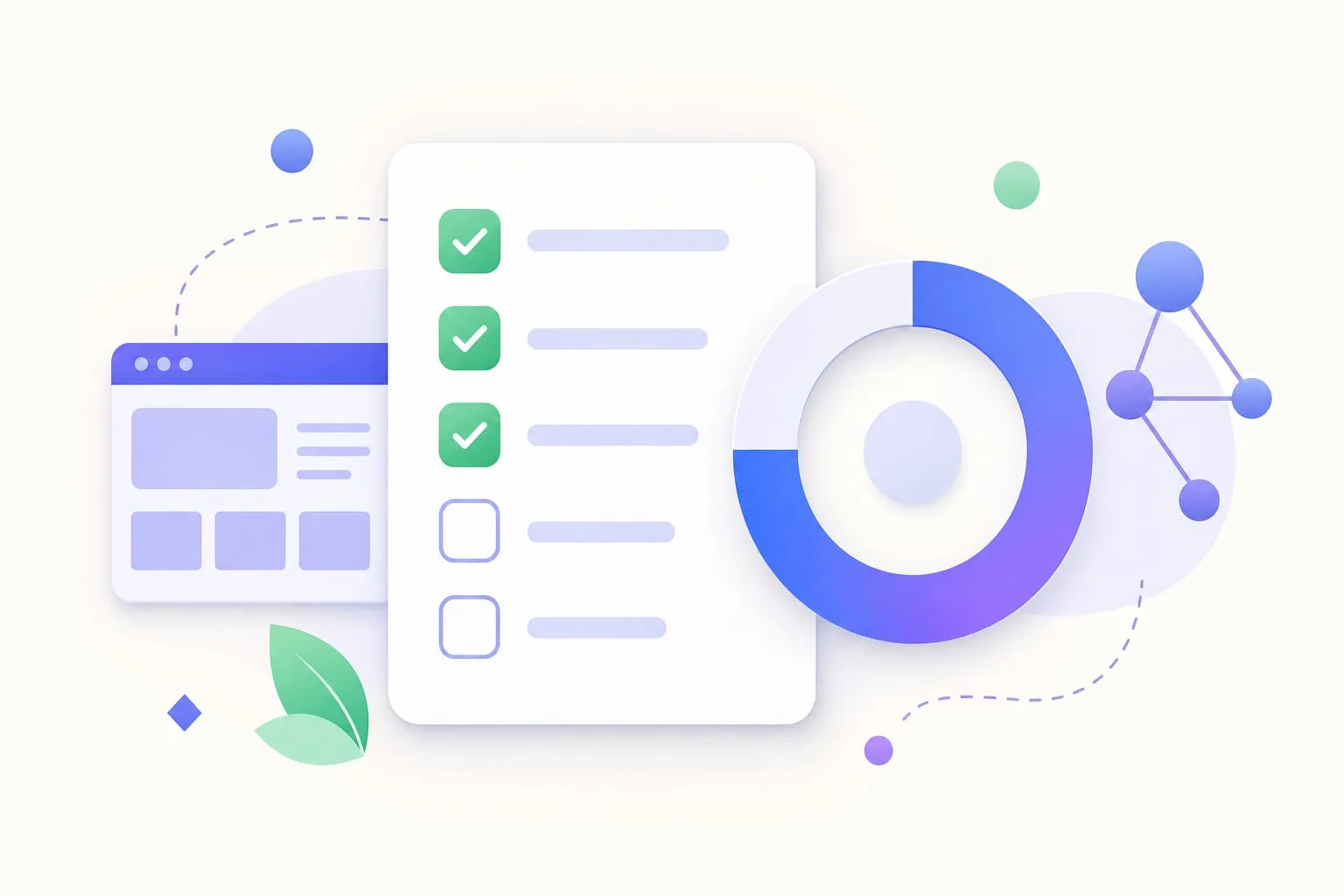
A practical WordPress checklist for AI search readiness covering crawl access, content, llms.txt, structured data, Entity Map, measurement, and maintenance, plus how plugin scores fit in.
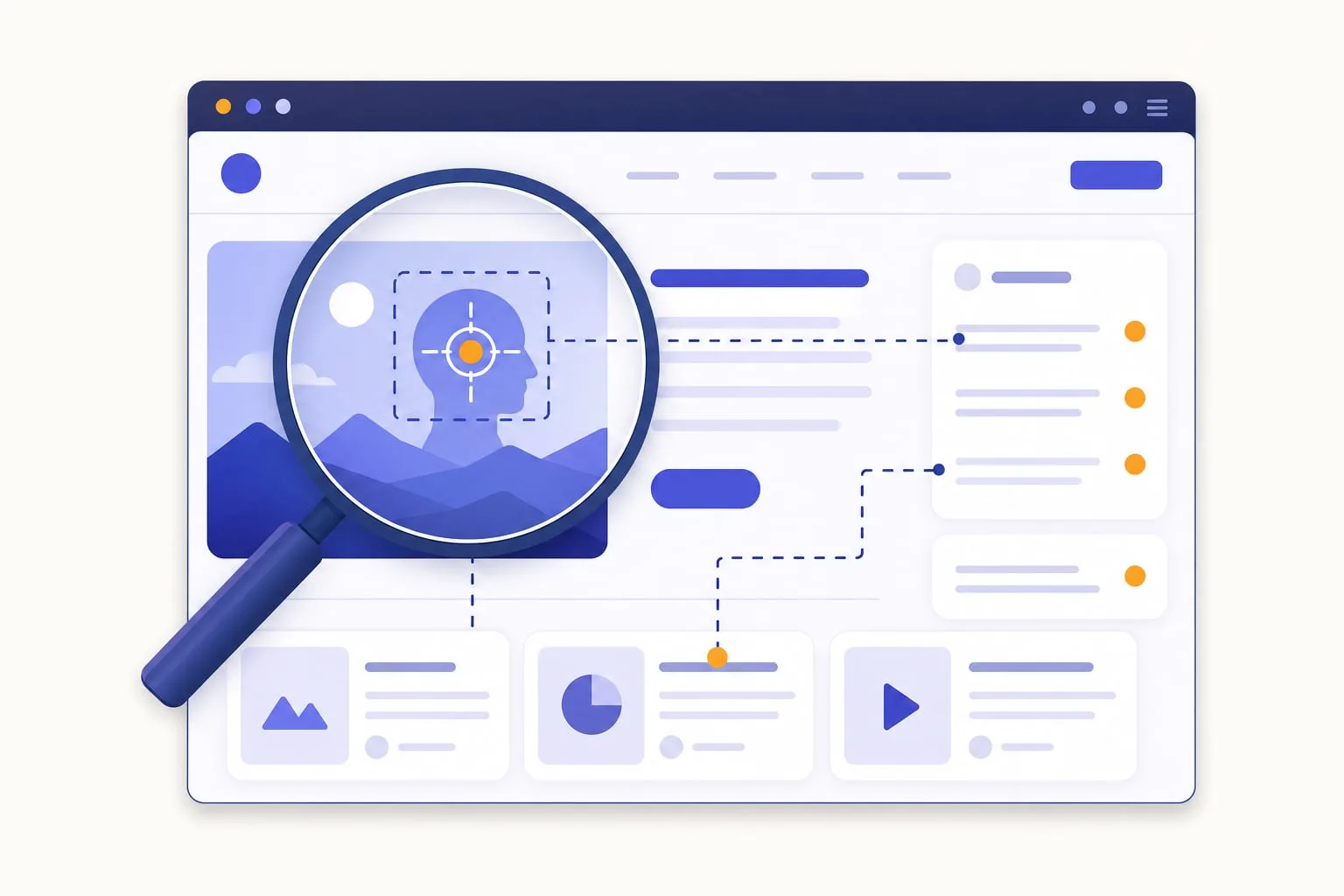
Editor-only SEO checks miss what themes, plugins, blocks, and templates add to the final page. Learn why full-page SEO analysis gives better WordPress SEO and AI-readiness signals.

Learn how to interpret AI crawler traffic next to Google Search Console impressions. A careful WordPress workflow for bot hits, referrals, content fixes, and discovery files.

Improve your eCommerce SEO and increase sales by using smart internal linking strategies. SEO Booster Pro automates the process for better results.

Optimize your eCommerce website with smart internal linking tactics. Enhance product visibility and boost SEO with these best practices.

Route internal links to cornerstone pages so one URL wins per query. Spot cannibalization in Search Console and fix split traffic with SEO Booster.

Internal links distribute authority, improve crawl paths, and guide visitors to cornerstone content. See how SEO Booster Automatic Linking keeps WordPress link equity focused.

Learn how 404 errors affect SEO, how to find broken URLs in WordPress, and how SEO Booster Pro monitors 404s and redirects before they waste crawl budget.
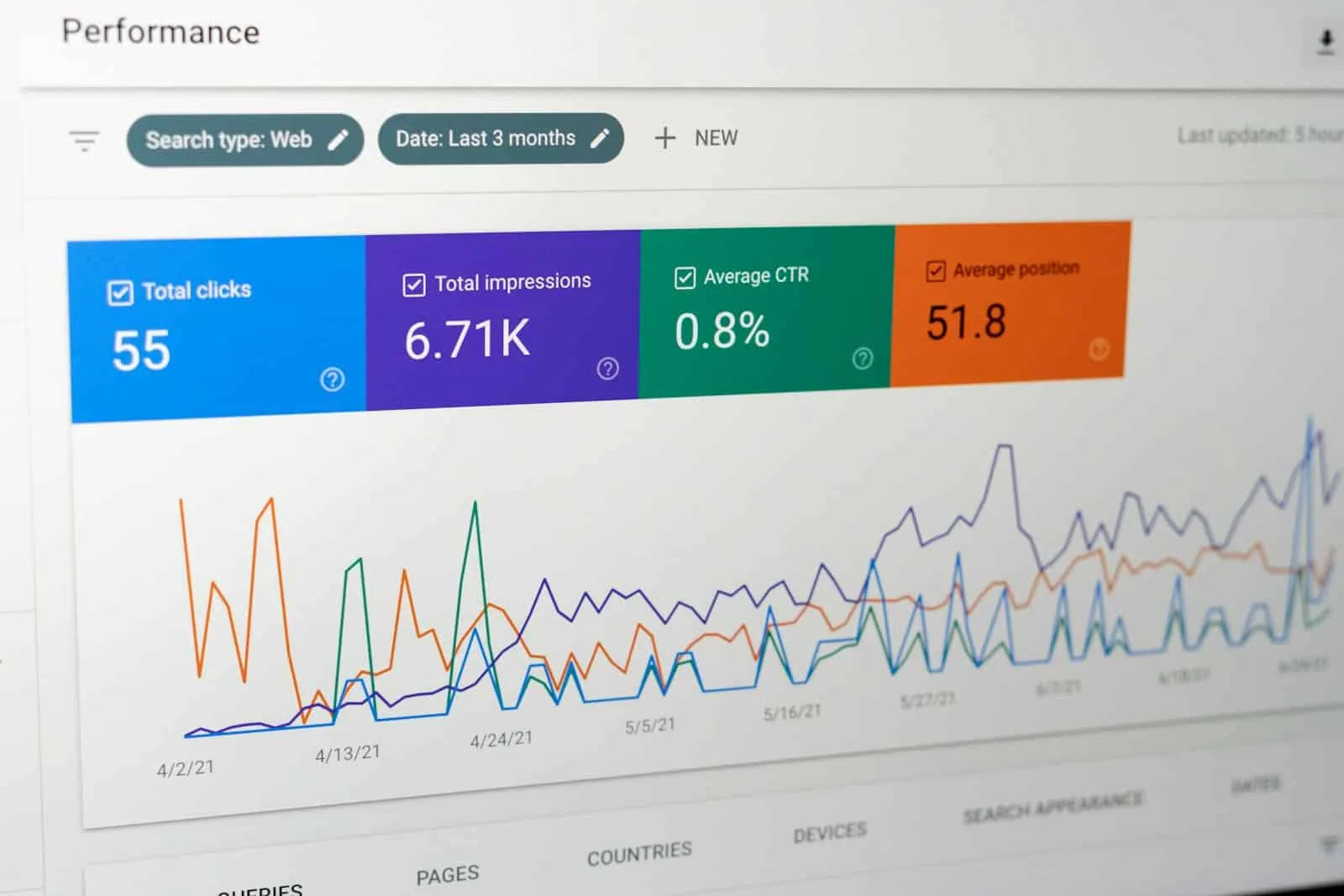
Improve organic CTR in SEO (not a third-party CTR booster). Fix high-impression pages with weak click-through via Search Console titles and meta.
Spot declined keywords and slipping rankings early in Search Console, then fix the pages behind them with SEO Booster reports and a clear recovery workflow.

Transform your SEO approach by discovering new keywords that drive traffic and enhance content relevance. Optimize for growth!
Use internal linking and automatic links in WordPress to send SEO traffic to high-margin products without spammy anchor text or keyword cannibalization.

Keyword cannibalization splits rankings when multiple WordPress URLs target the same query. Learn how to spot it in Search Console and fix it with consolidation, internal links, and SEO Booster.
Find keywords close to page one in Search Console, prioritize by impressions and position, then lift them with content updates and internal links in SEO Booster.
Long-tail keyword strategy for WordPress sites: find low-competition queries in Search Console, prioritize by impressions, and rank with focused content and internal links.
Use Search Console question queries to make WordPress pages easier to extract for search and AI systems. Practical answer formatting without featured-snippet guarantees.

Lost keyword rankings recovery for WordPress: find queries that stopped performing in Search Console, then refresh pages, fix links, and rebuild snippets with SEO Booster.

Keep your top keywords ranking high with proven SEO strategies. Learn how to defend against competitors, update content, and optimize your site's performance.

Identify your website’s best-performing pages and optimize them for better engagement and conversions. Boost your SEO efforts with these strategies.