
How to install SEO Booster Pro
Install SEO Booster Pro in a few minutes. This guide covers downloading the plugin, activating your license, and what the Setup Wizard does next.
Installing SEO Booster Pro takes just a few minutes. This guide covers everything from downloading the plugin to activating your license. Once activated, the Setup Wizard takes over and walks you through Search Console, email reports, automatic links, and more. If you would rather skip ahead, see Get Started.
Before you begin
You will need:
- A WordPress site where you can install plugins (an admin account)
- Your license key (sent by email after purchase, or via AppSumo)
- A Google account with access to your Search Console property (optional, but recommended for the full experience)
Most people are up and running in under five minutes.
Step 1: Download the plugin
After purchasing SEO Booster Pro, you will receive an email with your license key and a link to download the plugin as a ZIP file. Save the ZIP somewhere you can find it, you will upload it to WordPress in the next step.
Using AppSumo? See Activate an AppSumo code below first, then come back here.
Step 2: Install the plugin in WordPress
- Log in to your WordPress admin dashboard.
- Go to Plugins → Add New Plugin.
- Click Upload Plugin at the top of the page.
- Select the ZIP file you downloaded, then click Install Now.
- When the upload finishes, click Activate Plugin.
That is it for the install. WordPress will ask you to enter your license key to unlock the Pro features.
Step 3: Activate your license
Paste the license key from your purchase email and confirm. Activation links the plugin to your account so you receive updates and Pro features. If the key does not work, check that you copied the whole key with no extra spaces, and that you are using the key for the right product.
Step 4: Continue in the Setup Wizard
As soon as your license is active, the Setup Wizard opens automatically.
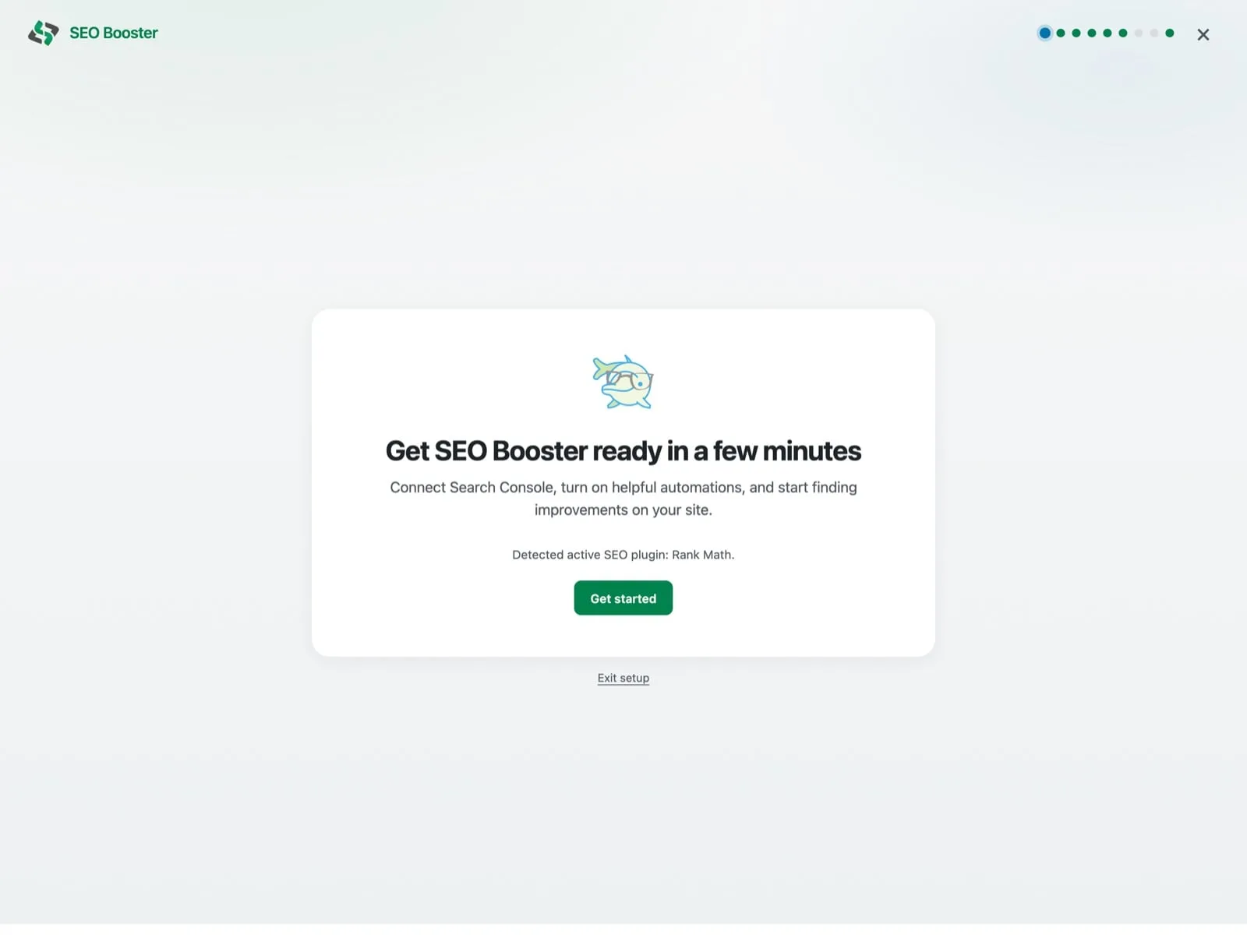
The most important step is connecting Google Search Console, which is what lets SEO Booster show you the real search queries already bringing people to your site.
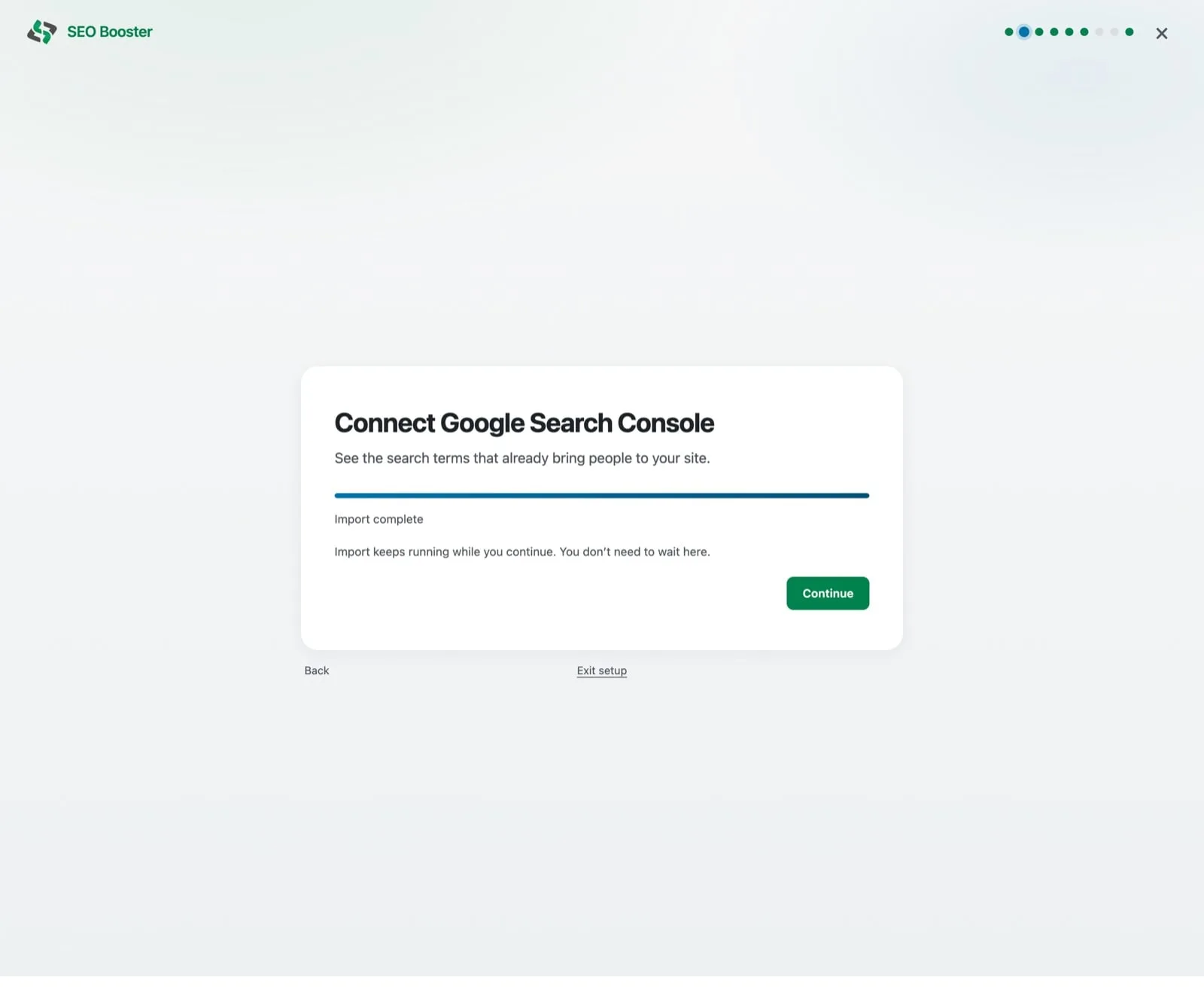
To connect, click Connect Google, sign in through seoboosterauth.com, pick your property, and start the import. The import runs in the background, so you can keep moving through the wizard. Every other step is optional and can be done later.
Is this secure? Yes. Only temporary access tokens pass through seoboosterauth.com, and no personal data is stored there. All data is encrypted in transit and at rest.
For a full walkthrough of every screen, see How to use the Setup Wizard. For what to do once setup is done, see Get Started.
AppSumo users
If you bought SEO Booster through AppSumo, activate your code before installing:
- Go to your Products page on AppSumo.
- Click Activate next to SEO Booster.
- Enter your name and verify your email on the redemption page.
- Download the plugin and check your email for your license key.
If the email does not arrive, check your spam or junk folder. Then follow Step 2 above.
Need more help? Visit the full Getting Started Guide or contact support.
Browse topics