
SEO Possibilities overview
Free URL discovery plus Pro triage (Do next, By type, traffic Top 10, Mark as done, Ignore this type) for on-page and GSC findings.
Feature page · SEO analysis overview · Pricing
Admin path: SEO Booster → SEO Possibilities
SEO Possibilities stores findings from on-page and Search Console-aware analysis. Free gives you the full discovery list. Pro adds triage so you can clear the queue faster.
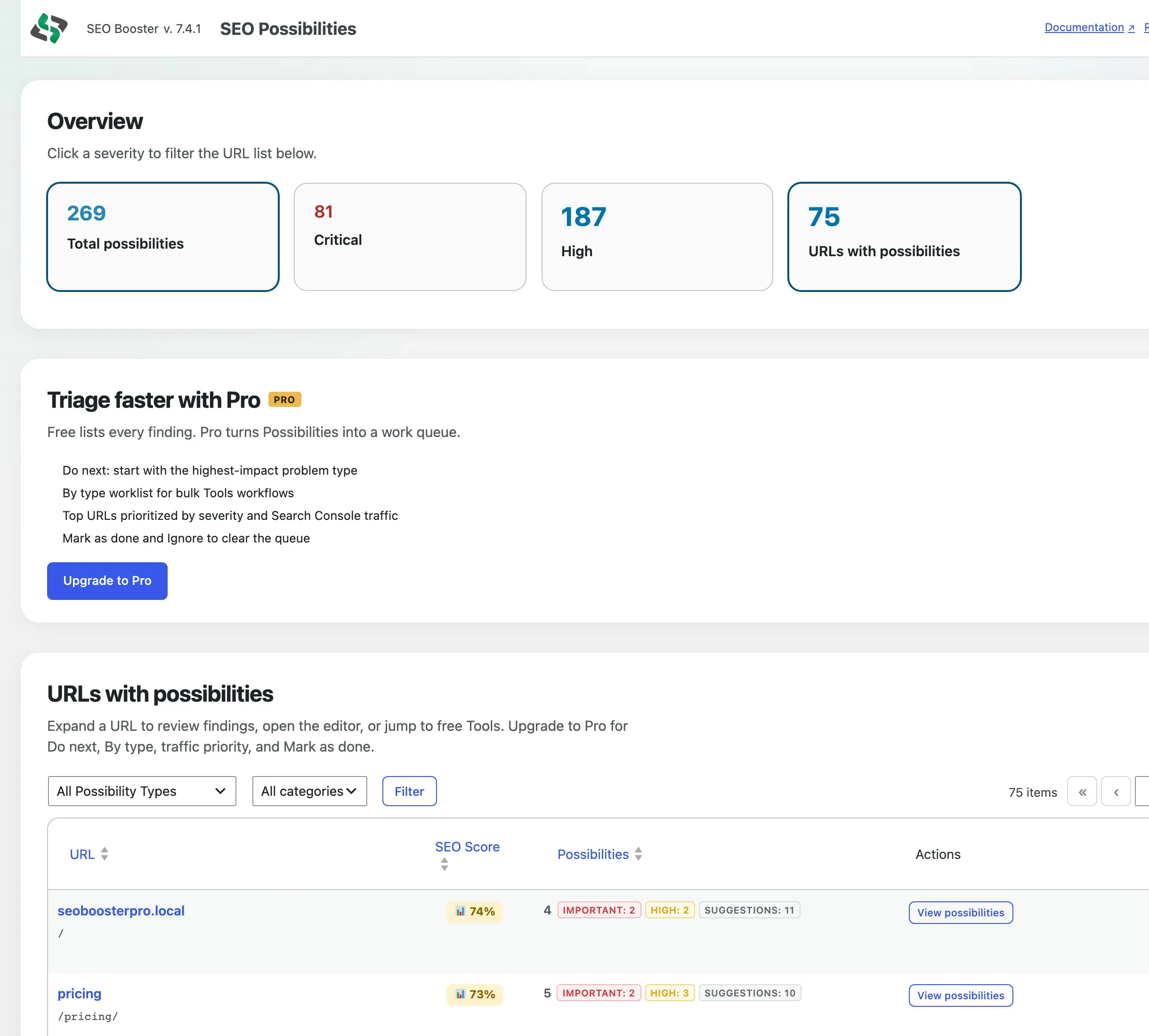
Free: discovery
On Free you get:
- Severity overview cards that filter the URL list (Critical and High matter most for urgent work)
- Full URL list with normal pagination (no artificial “10 URL” cap)
- Expand a URL to see the list of open findings (use Edit on the row for full editor context and details such as broken link lists)
- Open in editor
- Free Tools deep links (for example Bulk meta and Image metadata)
- Sitewide checks on the same page
- A Pro strip with upgrade benefits (not a fake Do next / By type preview)
Crafted ?view=type or triage query args are ignored on Free. Status updates (Mark as done / Ignore) are rejected for non-Pro users.
Pro: triage
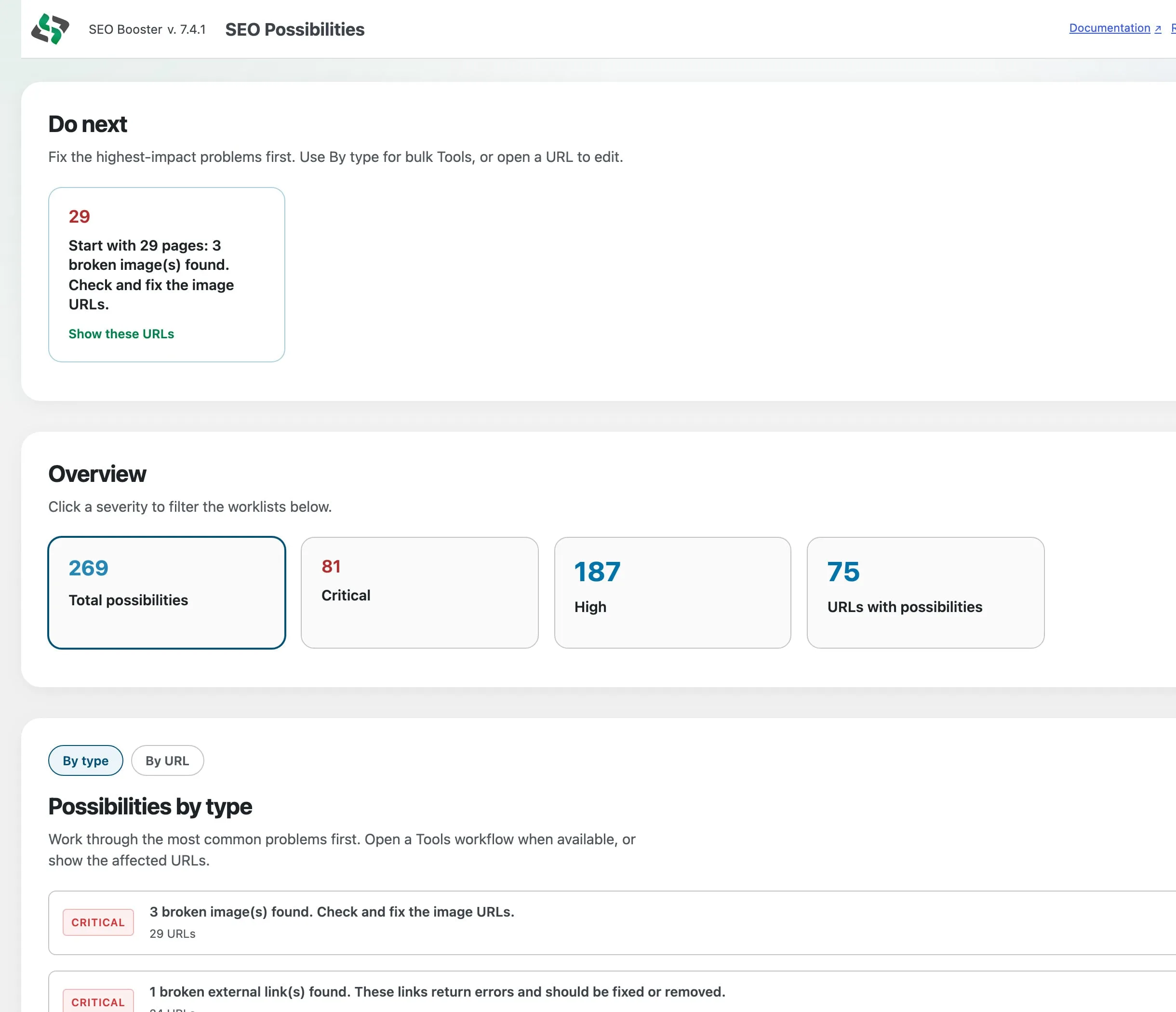
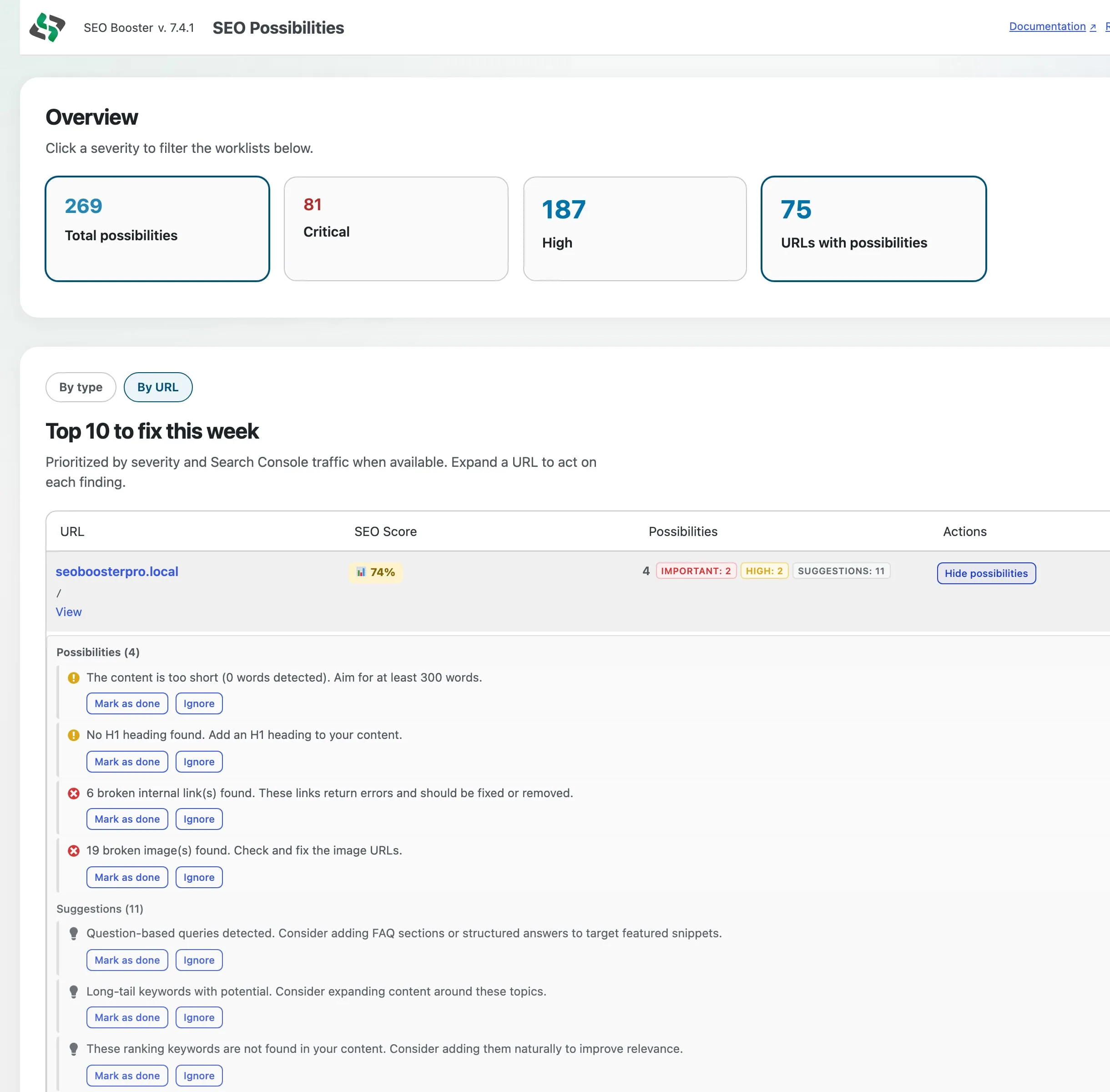
Pro adds a work queue on top of the same findings:
| Control | What it does |
|---|---|
| Do next | Highest-impact problem type first (prefers Critical and High), with Tools or Show URLs |
| By type | Grouped worklist for bulk Tools workflows, plus Ignore this type |
| By URL / Top 10 | Top URLs by severity and Search Console traffic when available |
| Mark as done / Ignore / Undo | Clear findings from the editor metabox (and related Pro controls). Expanded Possibilities rows list findings; open Edit for full detail and actions on the page. |
| Ignore this type | Suppress that issue key across all URLs; stays suppressed on re-analyze |
When you open a filtered type worklist (for example broken images), Do next and Overview hide so the URL list is in view, with a link back to the overview.
What appears in the list
Each URL row shows:
- SEO score from the last full-page analysis
- Count and preview of open possibilities
- Actions: expand, edit, view
- Not found or Redirected badges when analysis last probed the URL as unreachable or redirected (Redirected can show the target). These are reachability status, not content possibilities. Saving the post can schedule a re-check.
Findings come from:
- Manual SEO review entire page in the per-page metabox
- Scheduled scans of GSC-discovered URLs (frequency in Settings)
- Bulk SEO analysis from the posts list
- Sitewide checks (separate section on the page)
Filters
| Control | Options |
|---|---|
| Severity | All, Critical, High, Medium, Low / Opportunity (overview cards) |
| Possibility type | Filter bar / By type above the URL table (no separate “All categories” filter) |
| Search | Issue text or URL substring |
On Pro, severity also filters Do next and By type. Clear filters returns to the default view (By type on Pro, URL list on Free).
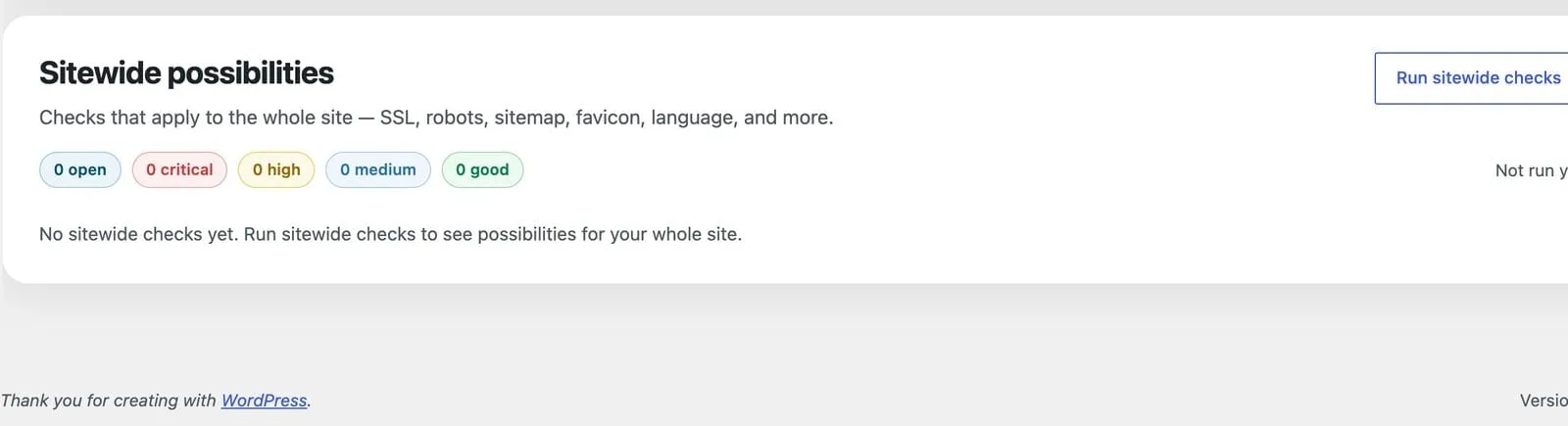
Sitewide analysis
Runs on demand (and may run automatically on first visit if never run). Checks include SSL, robots.txt, sitemaps, favicon, language, viewport, Twitter Cards, homepage contact info, llms.txt, Entity Map status (Pro), AI bot tracking, and related global items. Results display on the same page and are stored separately from per-URL rows. Site chrome findings are not duplicated once per URL.
GSC-related possibilities
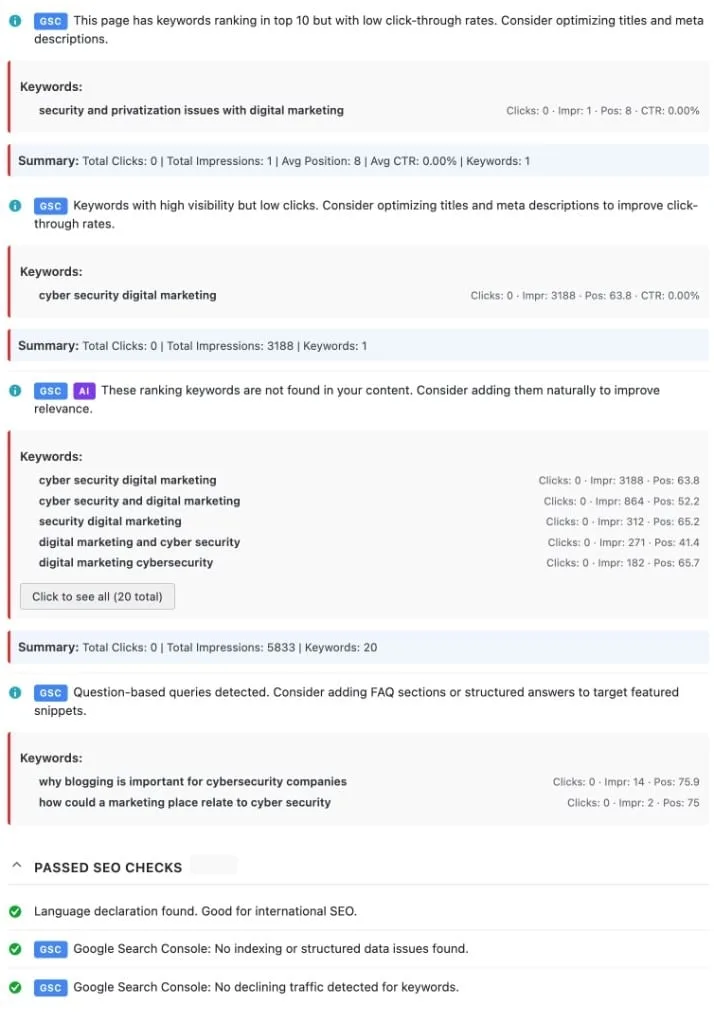
When Search Console is connected, analysis can include low CTR (fraction + adaptive impression floor), keyword cannibalization, keywords missing from content, and other GSC-driven findings. These appear in the same Possibilities list and in the per-page SEO metabox. Traffic-aware Top 10 sorting uses GSC traffic when present.
Browse topics