
What's new in SEO Booster: Setup Wizard + Possibilities triage
Ship faster with the Setup Wizard, keep free Possibilities discovery, and clear the queue with Pro triage (Do next, By type, Mark as done).
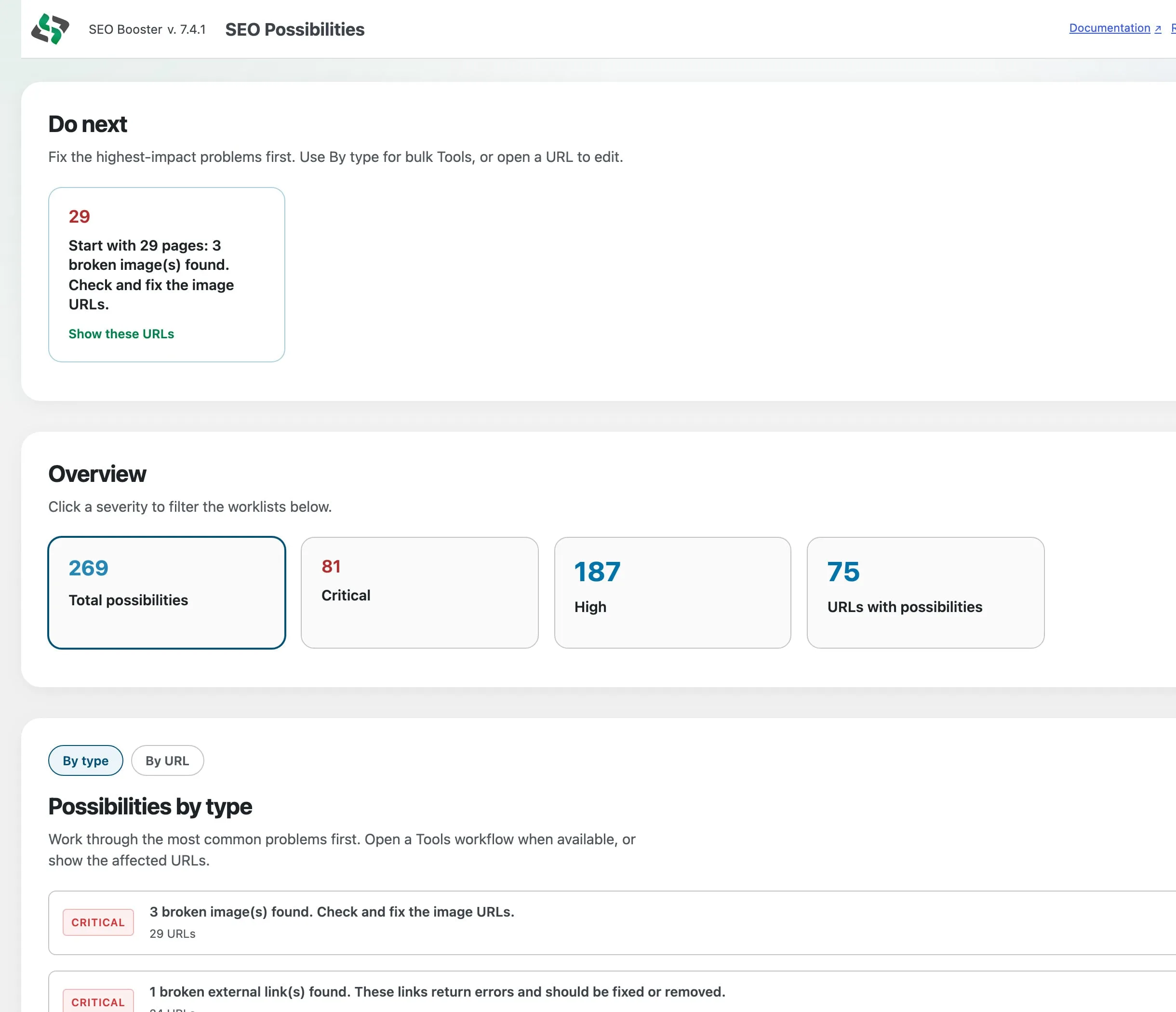
SEO Booster now ships a faster first-run Setup Wizard and a clearer free vs Pro split for Possibilities: discovery stays free, triage is Pro.
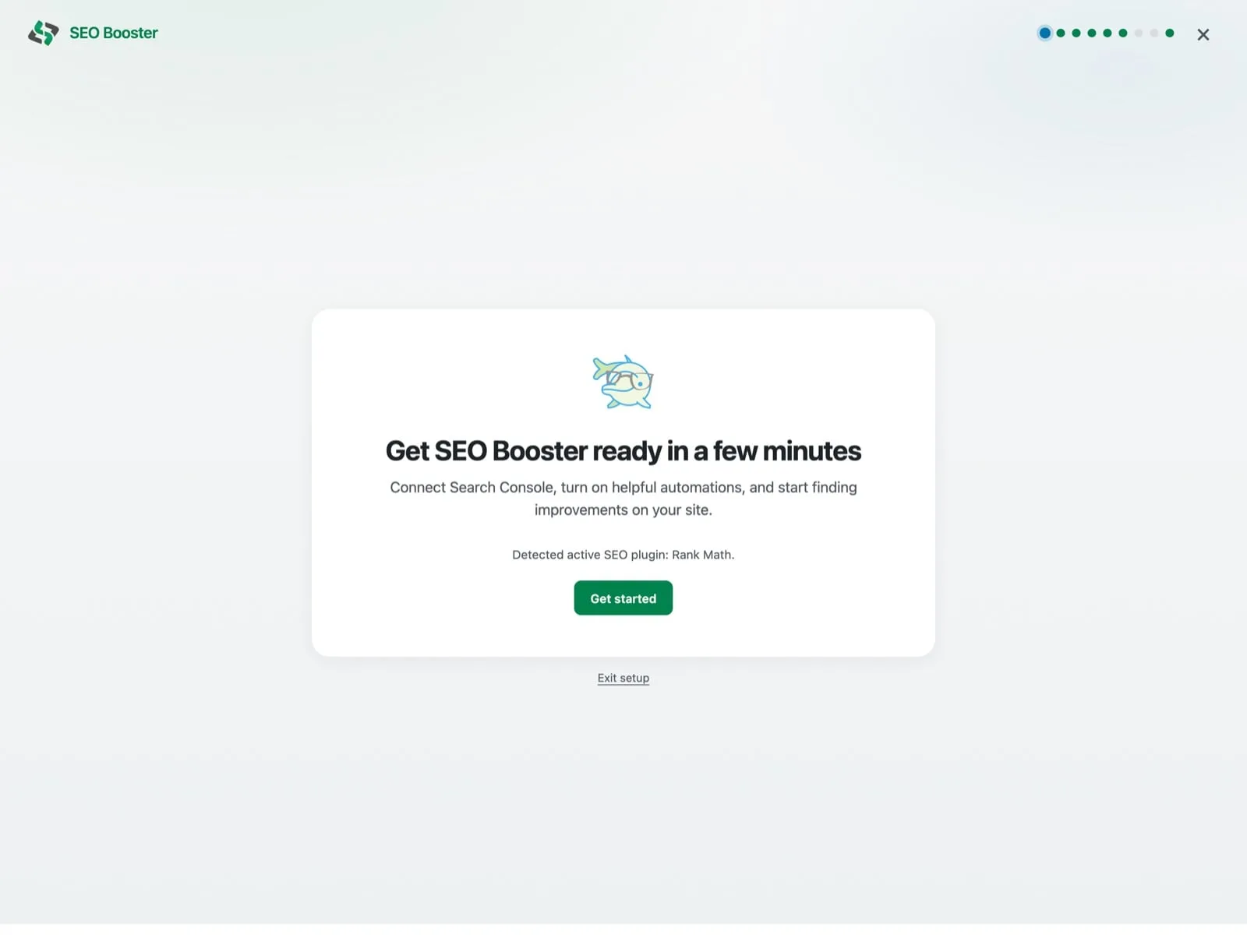
Setup Wizard: from activate to useful data
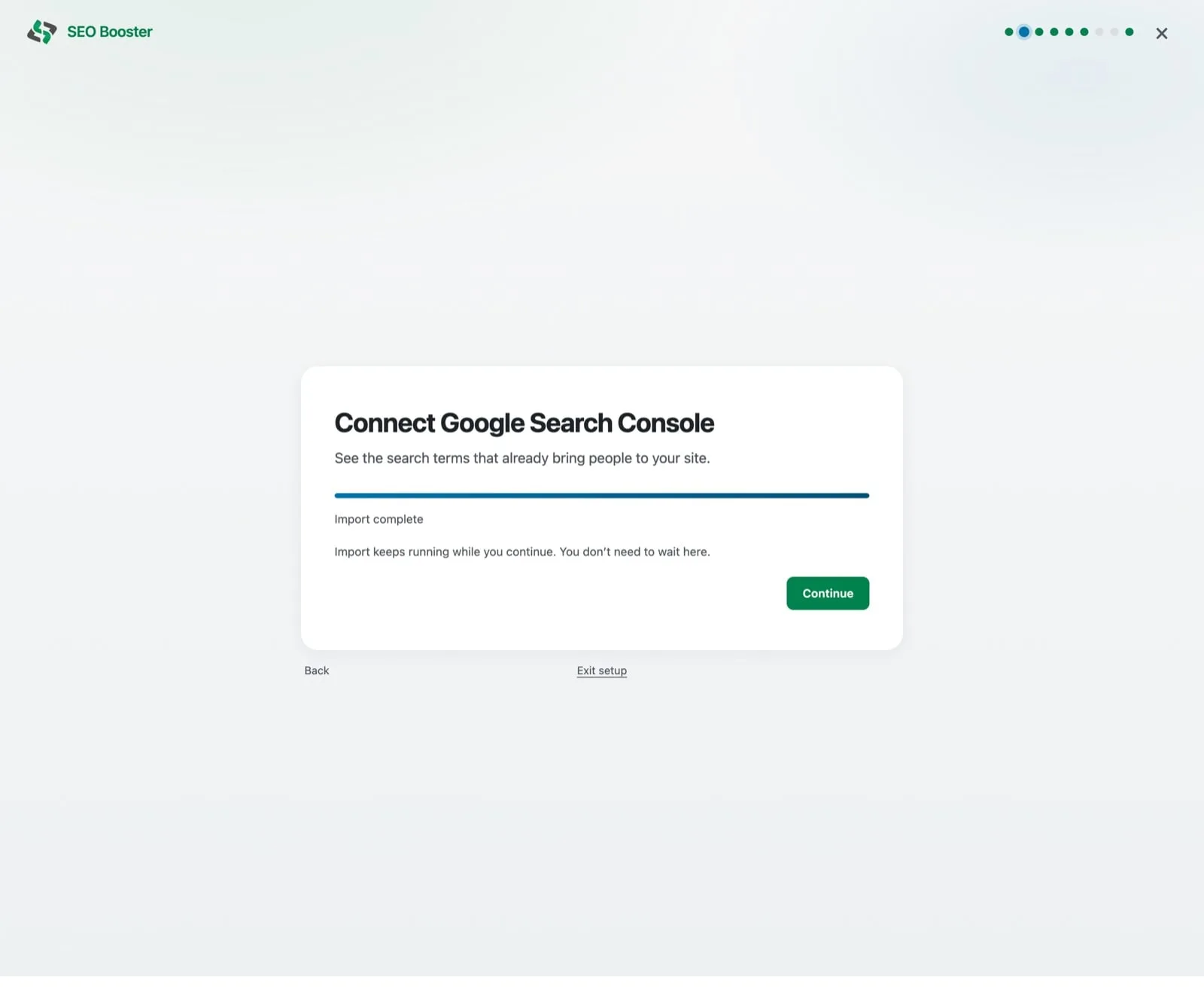
The immersive Setup Wizard walks you through the pieces that unlock the rest of the product:
- Connect Google Search Console and pick the right property
- Optional weekly SEO email
- Automatic link defaults
- An initial scan so Possibilities has something to show
- Optional AI (WordPress Connectors), health checks, and where to work next
You can skip steps and finish later. Progress is saved. There is no forced redirect loop after install. Full walkthrough: How to use the Setup Wizard.
Free Possibilities: full discovery, no fake caps
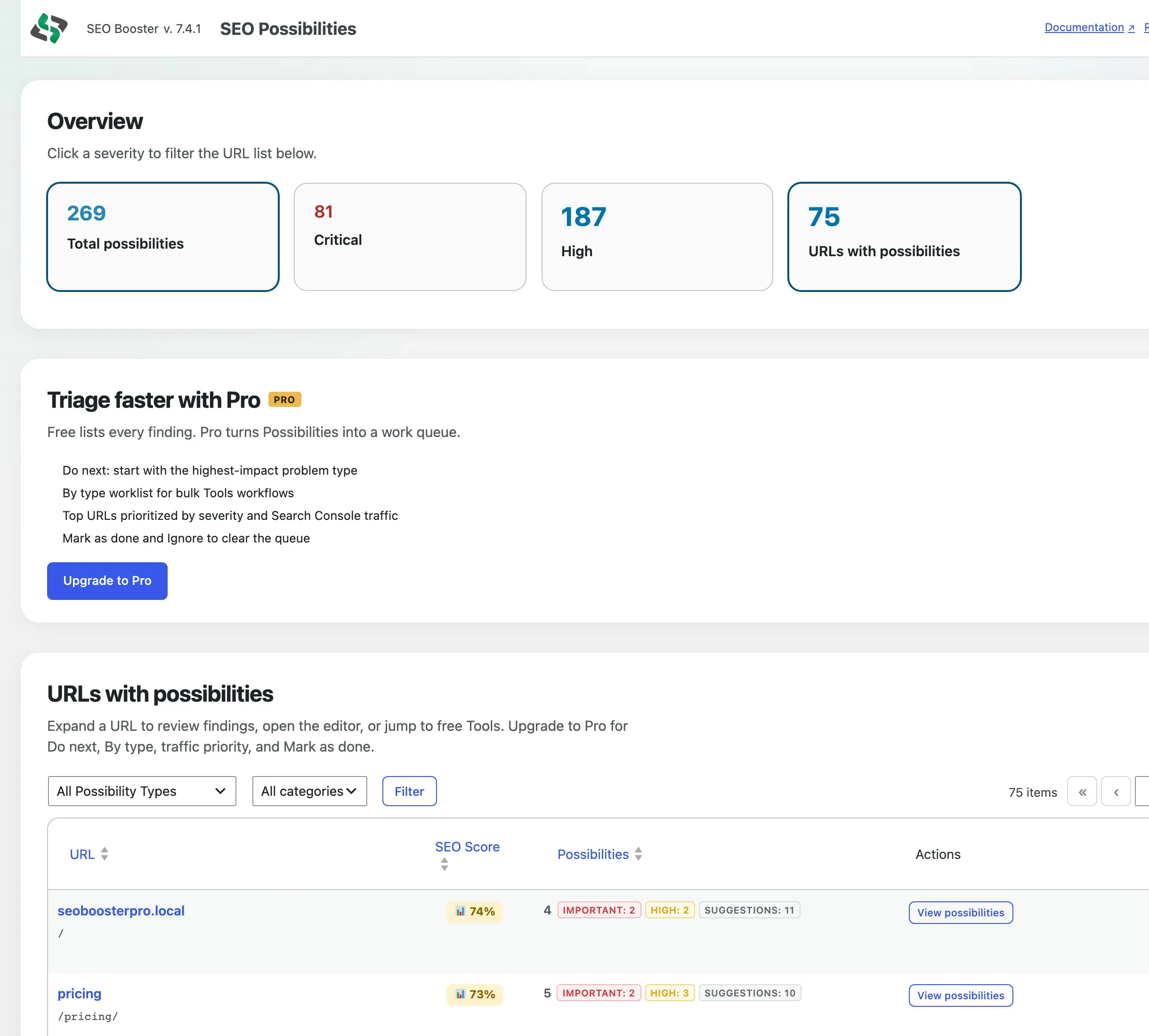
On Free, SEO Possibilities still lists every analyzed URL with normal pagination. You can:
- Filter by severity
- Expand findings
- Open the editor
- Jump to free Tools such as Bulk meta and Image metadata
- Run sitewide checks
What Free does not show is a soft preview of Pro triage. Instead you get a clear Pro strip with the benefits and an Upgrade link.
Pro triage: Do next, By type, Mark as done
Pro turns the same findings into a work queue:
- Do next points at the highest-impact problem type first
- By type groups common issues for bulk Tools workflows
- By URL / Top 10 prioritizes pages by severity and Search Console traffic when available
- Mark as done / Ignore / Undo clears findings from the expand panel
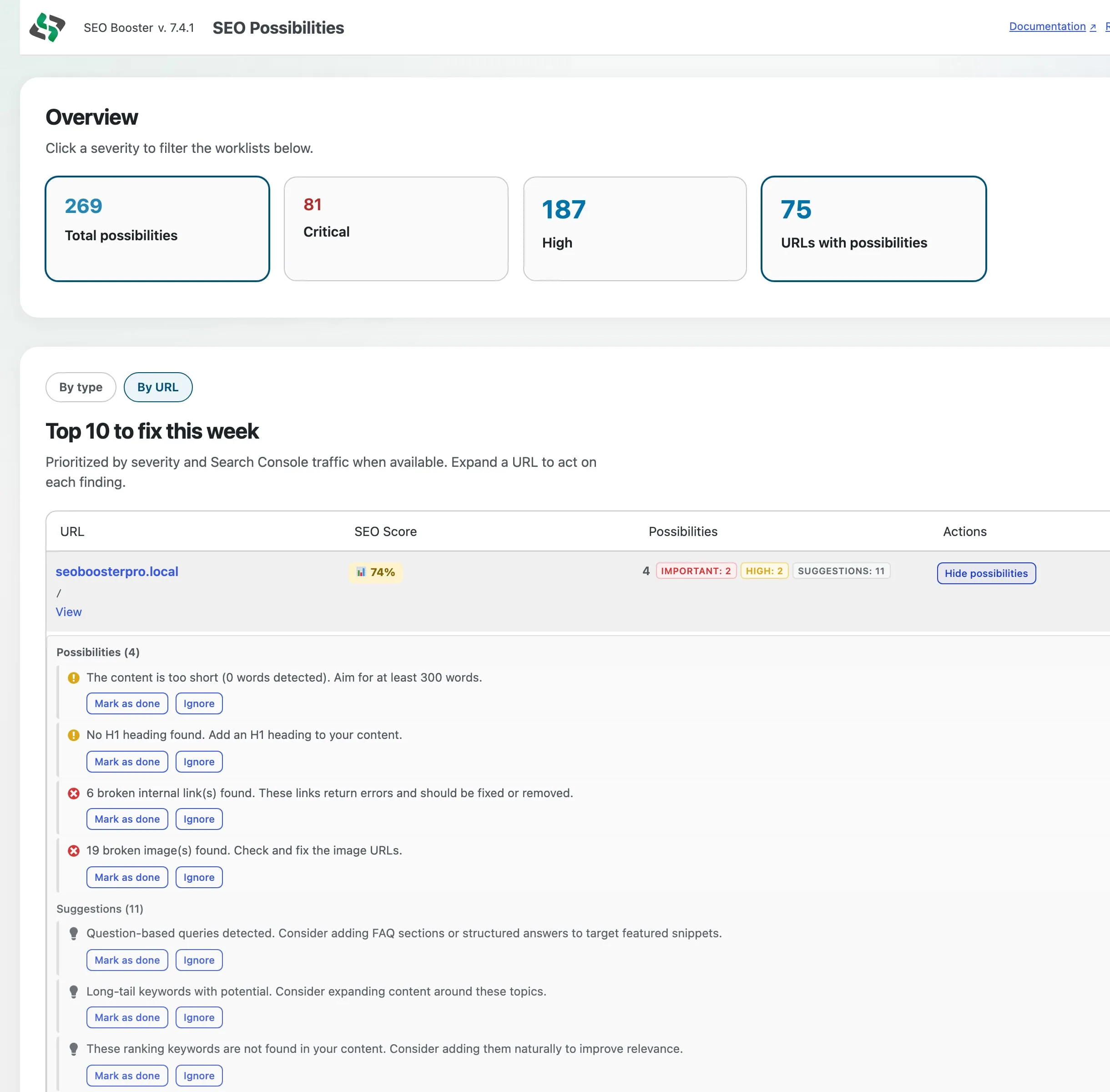
Done and Ignore stay cleared after a re-analysis, so the queue does not silently reopen the same item.
What to do next
- Update to the latest SEO Booster release (or install from WordPress.org / your Pro license)
- Finish or restart the Setup Wizard
- Open SEO Possibilities and work Critical / High first
- Compare Free vs Pro on pricing if you want triage, Entity Map, Ask about your SEO, and the other Pro Tools
More detail: SEO Possibilities feature · Possibilities docs · Get started
Frequently asked questions
Is Possibilities triage available on Free?
Free includes the full URL discovery list, expand, Open in editor, free Tools links, severity overview, and sitewide checks. Do next, By type, traffic Top 10, and Mark as done / Ignore are Pro.
Do I need to reinstall for the Setup Wizard?
No. Restart it from the Dashboard setup card, Tools, or Settings → Email if you skipped steps earlier.
Where do I read the full docs?
See the Setup Wizard guide and the SEO Possibilities overview.
On this page