
Why SEO Analysis Should Test the Full Page, Not Just the WordPress Editor
Editor-only SEO checks miss what themes, plugins, blocks, and templates add to the final page. Learn why full-page SEO analysis gives better WordPress SEO and AI-readiness signals.
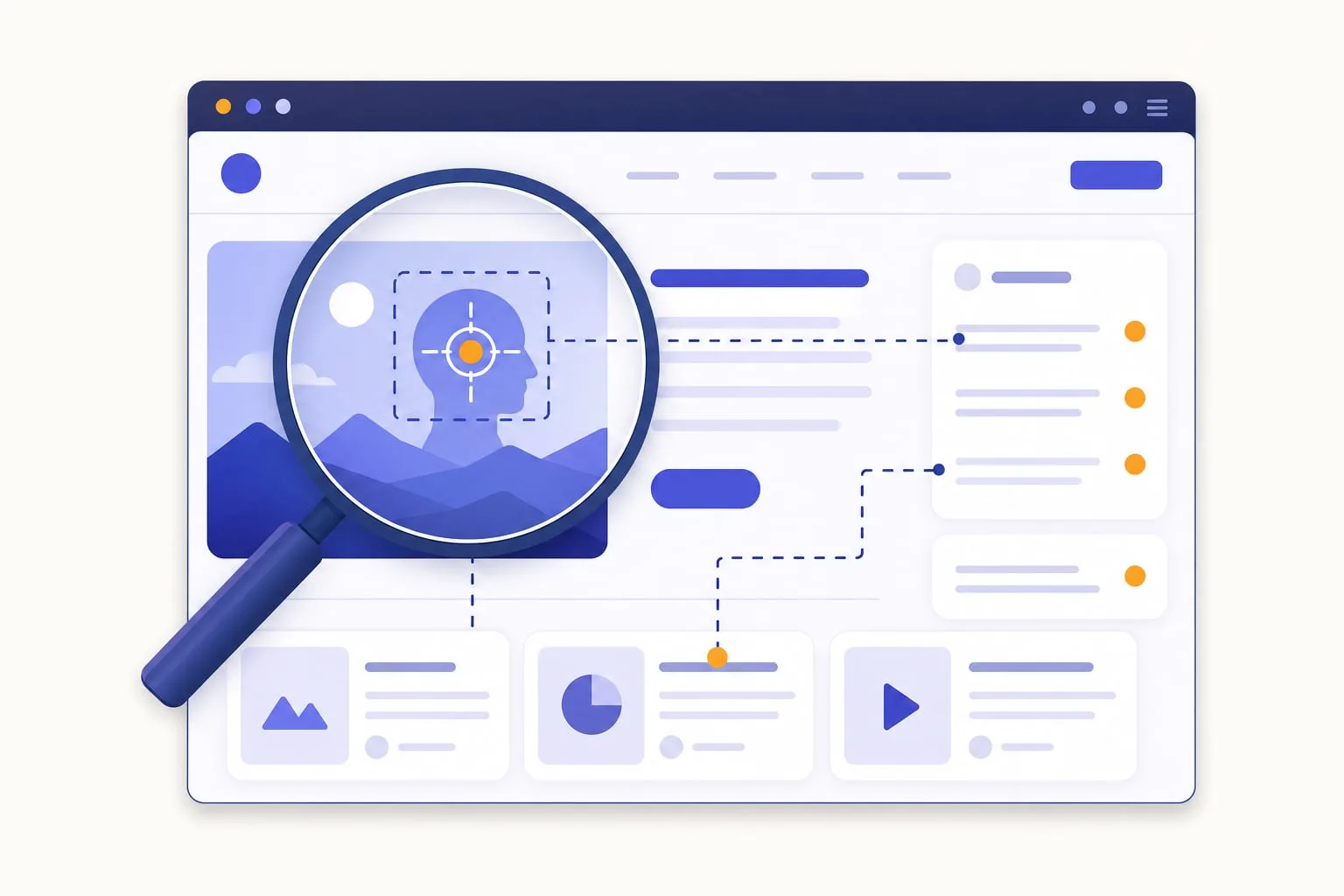
If you run SEO checks only inside the WordPress editor, you are not testing what visitors, search engines, or AI fetchers actually receive. You are testing post content, meta fields, and maybe a few plugin settings, not the finished page after your theme, blocks, shortcodes, page builder, and SEO plugin have shaped the output.
That gap matters for classic SEO and for AI search readiness. A page can look fine in the editor and still ship with a missing canonical tag, a duplicate H1 from the theme, broken widget links, or JSON-LD your SEO plugin never output.
Editor content is not the final page
WordPress stores content in the database. What users and crawlers receive is the rendered HTML response for the URL, after the_content filters, template parts, headers, footers, and plugin hooks have run.
Common situations where editor-only checks fall short:
- Themes add or duplicate H1 headings, wrap content in extra markup, inject nav/footer links, or output schema from template files.
- SEO plugins (supported SEO plugins) write title tags, meta descriptions, canonical URLs, robots directives, and social tags into the page head, not into the post body you edit.
- Page builders and blocks render galleries, CTAs, accordions, and forms that do not exist in raw post content.
- Shortcodes and dynamic blocks may output links, images, and headings only when the page is actually served.
Checking saved content alone cannot reliably answer: “Does this URL have a canonical? Are all images reachable? Do internal links in the sidebar work? Is FAQ schema present on the live page?” Those answers live in the final HTML.
What full-page analysis actually does
In SEO Booster, SEO review entire page downloads the page HTML for the post’s public URL and analyzes that response, the same kind of document a visitor’s browser requests (minus client-side JavaScript that runs after load).
The analysis engine parses the downloaded HTML and runs checks across scoped areas: the post body, the main content region, and the full document head. That is how it can evaluate signals that only exist on the rendered page:
- Title tag, meta description, canonical, and robots meta in the document head
- Structured data (JSON-LD, microdata, RDFa)
- Open Graph tags (per page)
- Headings, links, and images as they appear after theme and block rendering (site header chrome is stripped when counting main-content H1s)
- Broken or redirected internal and external links (benign same-site redirects and social share URLs are ignored)
- Image alt text, broken image URLs, external hosting (opportunity, with CDN allowlist), and missing dimensions
- Form label accessibility and paragraph-level readability on the live output
Favicon, HTML language, viewport, Twitter Cards, and homepage contact patterns are checked under Sitewide possibilities, not once for every URL.
This is closer to what crawlers and users interact with than analyzing database fields alone. It is not a headless browser. Heavily JavaScript-dependent content that only appears after client-side rendering may still need a manual spot-check. For typical WordPress sites (themes, blocks, classic editor, most page builders), the downloaded HTML captures the issues that cause the most real-world surprises.
Why rendered HTML matters for AI systems too
AI training crawlers, search indexers, and on-demand fetchers generally request public URLs over HTTP. They do not open your block editor.
When you prepare pages for AI discovery:
- Confirm structured data appears in the response, not only in a plugin preview
- Ensure question-and-answer sections are visible text, not empty accordion shells
- Catch redirect chains that waste crawler budget (Bridge the Gap)
- Verify that pages you list in
llms.txtactually return clean, indexable HTML
Full-page review will not tell you whether an assistant will cite the page. It will tell you whether the evidence you think you published is actually on the wire.
Why this leads to better SEO decisions
Full-page testing finds problems that look invisible in the editor:
- Head-tag issues. Missing canonicals, incomplete Open Graph sets, or conflicting robots directives often only show up in the final
<head>. - Link and image health. Widgets, related-post blocks, and footers add links and images your editor never listed. Broken or redirected URLs surface when the real page is fetched.
- Heading structure. Themes sometimes output an H1 from the post title and from a hero block. Editor-only checks may not see the duplicate.
- Schema mismatches. FAQ or Product JSON-LD left over from removed blocks still ships until you inspect the live HTML.
- Prioritized sitewide fixes. Open issues roll into SEO Possibilities, where you can filter by severity and work through URLs with the worst scores first.
- Alignment with Search Console. When GSC is connected, per-URL analysis can combine on-page findings with keyword-driven opportunities (low CTR, cannibalization, keywords missing from content) in the same prioritized queue.
The result is fewer “we fixed it in the editor but the live page still fails” moments, especially after theme updates, SEO plugin changes, or template swaps.
Why SEO Booster still offers basic analysis
Full-page review is deeper, but not always needed on every keystroke. Basic analysis (without downloading the URL) is faster and runs well while you edit:
- Title, meta description, and focus keyword checks
- Content length and heading structure in rendered post content (keyword density is not scored)
- Image alt text in the body
- Duplicate title and meta description across the site
- Many content and structure suggestions
Use basic analysis for quick feedback in the keyword analysis metabox. Run SEO review entire page when accuracy matters: before publishing important URLs, after changing themes or SEO plugins, when preparing AI readiness work, or when SEO Possibilities flags technical issues you cannot explain from the editor alone.
The AI Readiness panel in the editor is a heuristic checklist built from saved analysis. Full-page review keeps those inputs honest.
A practical workflow
- While drafting. Use basic analysis in the SEO Booster metabox for title, description, keyword, and content structure.
- Before publish (or on high-traffic pages). Run SEO review entire page so head tags, links, images, and schema are checked against the live HTML.
- Sitewide. Review SEO Possibilities for Critical and High items across all analyzed URLs; use sitewide analysis for robots.txt, sitemap, and global checks.
- After template or plugin changes. Re-run full-page analysis on key URLs. Theme and SEO plugin updates are a common source of regressions editor-only tools never catch.
- For AI discovery prep. After technical cleanup, decide whether the URL belongs in
llms.txtor as Entity Map evidence (comparison guide). - When in doubt. See the complete list of SEO tests for which checks require full-page mode, and the SEO analysis overview for scoring and severities.
The takeaway
The best WordPress SEO testing follows the real page, not just the editor. Visitors, search engines, and AI fetchers judge the URL you publish: the HTML your site returns, not the raw post record in the database.
SEO Booster’s approach is deliberate: fast basic analysis while you write, plus full-page review when you need the full picture. That combination catches what themes, plugins, and templates add to the final output, and turns those findings into a prioritized worklist you can clear.
Want to see every check in one place? Browse SEO Possibilities, the edit screen feature, and the full test reference. For the broader AI stack, return to AI search readiness for WordPress.
Frequently asked questions
What is full-page SEO analysis in WordPress?
Full-page analysis downloads the public HTML for a URL and runs checks on that response, including head tags, rendered headings, links, images, and structured data that themes or plugins add outside the editor.
Why do AI crawlers care about rendered HTML?
Most AI crawlers and fetchers request the same public HTML visitors receive. If schema, canonicals, or headings only exist in the editor model and never appear in the response, those systems never see them.
Is full-page analysis the same as Googlebot rendering?
No. SEO Booster analyzes the HTML WordPress serves for the URL. It is not a full headless browser. Heavily client-rendered JavaScript may still need a manual check.
When should I run SEO review entire page?
Before publishing important URLs, after theme or SEO plugin changes, when SEO Possibilities flags technical issues you cannot explain from the editor, and when preparing pages for AI search readiness.
On this page