
Google Search Console now tracks YouTube, TikTok, Instagram, and X
Platform properties let you see how social and video posts perform in Google Search, Discover, and News. What changed, how to add a property, and what to do while data loads.
Quick answer: Google Search Console now supports platform properties for Instagram, TikTok, X, and YouTube. You connect each account as its own property and see clicks, impressions, queries, and related Insights for how that content appears in Google Search (and Discover or News when relevant). It is a Search Console update for creators and site owners, not a change to your website property.
Screenshots in this post are from my own Search Console account while setting this up.
What Google shipped
In July 2026 Google introduced platform properties, then made them available worldwide. Instead of only verifying domains and URL prefixes, you can add social and video accounts under Add property.
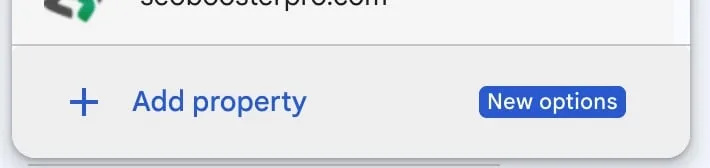
In the property picker you will see a New options badge next to Add property:
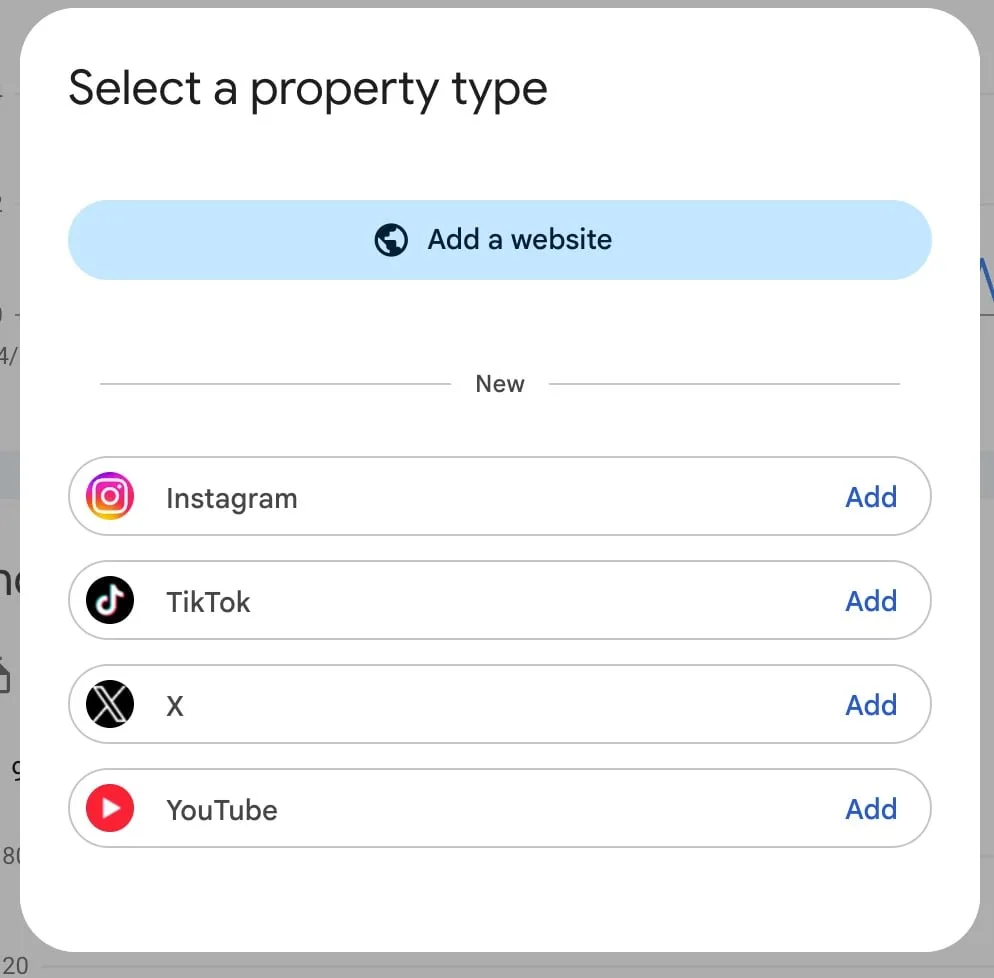
The property type dialog still starts with Add a website. Below a New divider you get four platforms:
Supported platforms today:
- TikTok
- X
- YouTube
Each account or channel is its own property. If you manage several profiles, repeat the add-and-verify flow for each one.
Official background: Google Search Central on social and video platform properties and the platform properties help article.
What the reports measure (and what they do not)
After verification, a platform property can show:
- Performance: clicks, impressions, CTR, average position; filter by posts and queries
- Insights: traffic trends, stronger posts, how people discover the account on Google
- Achievements: click milestones over recent periods (often a 28-day window)
Important limits:
- Google only. This is not TikTok For You reach, Instagram Insights, or YouTube Studio watch time.
- Search surfaces. Discover and News cards appear only if that content gets traffic there.
- Separate from your site. Your website property and a YouTube property do not merge into one dashboard. Treat them as parallel views.
Google’s help docs also note edge cases such as Instagram stories counting as impressions when they appear in Search, and video plays inside Google’s own player still counting as clicks when the user engages from Search or Discover.
How to add a platform property
- Open Google Search Console.
- Open the property selector and choose Add property.
- Under the new platforms list, click Add next to Instagram, TikTok, X, or YouTube.
- Complete the on-screen authorization so Google can verify account ownership.
- Open the new property and wait for data collection to start.
You do not need DNS, HTML tags, or Google Analytics for this property type. Verification is the platform login / authorization flow.
Expect a short wait after you connect
Right after connecting a YouTube channel, Search Console may show the channel handle and a clear status line: data is still processing, check back within 48 hours. The Overall clicks chart can sit empty until the first metrics land.
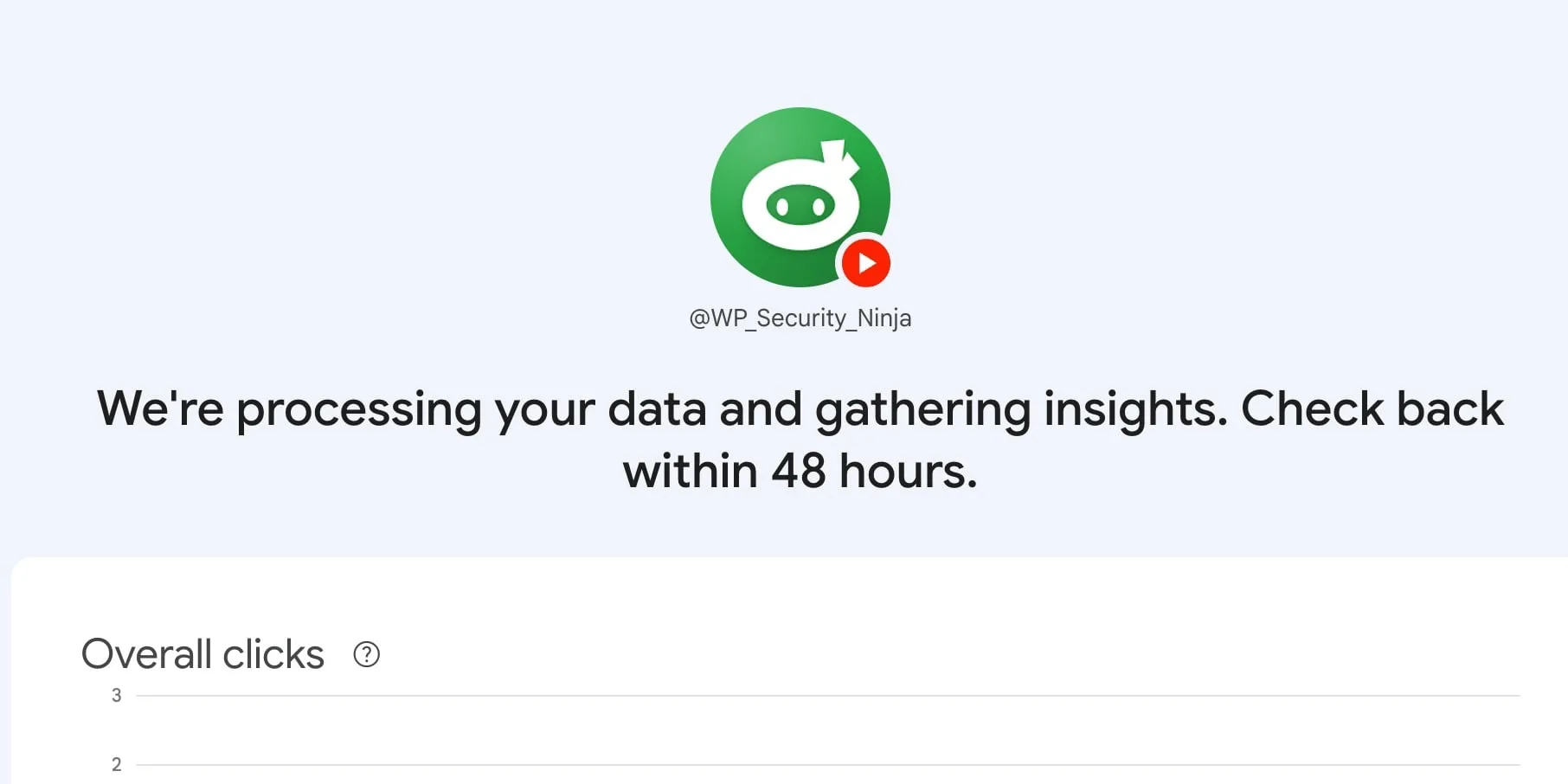
That empty chart is normal. Google’s help center says new platform properties can take a few days, and early charts only cover days since collection started. Come back after a couple of days before you decide the property is “broken.”
What to do in the first week
Once numbers appear, keep the workflow simple:
- Confirm the right accounts are connected. Brand channel vs personal channel vs old unused profile.
- Scan Insights query groups. Note themes that already send Search traffic to your posts or videos. Use those themes for the next caption, title, or short.
- Open Performance and sort by impressions. High impressions with weak CTR often means the title or thumbnail promise is off for Search, even if the post did fine in-feed.
- Try the 24-hour filter when something spikes. If a recent post gets a Search bump, cross-promote it while attention is still warm.
- Export if you run multiple platforms. Side-by-side spreadsheets are still the practical way to compare YouTube vs Instagram vs X vs TikTok for Google traffic.
- Annotate title or caption changes. If you rewrite a YouTube title or TikTok caption, mark the date in Search Console so later charts are easier to read.
Google’s companion guide also suggests looking for older videos that regain Search traction (pin or expand into a follow-up) and comparing formats (for example short-form vs long-form) with filters or comparison mode.
How this fits next to your website property
If you already have a domain or URL-prefix property for your site, leave it alone. Platform properties answer a different question: which Google queries and surfaces send people to content you publish on third-party platforms.
Practical split:
| Property type | Answers |
|---|---|
| Website (domain / URL prefix) | How Google Search treats your pages |
| Platform (YouTube, TikTok, Instagram, X) | How Google Search treats those accounts’ posts |
Use website data for site SEO. Use platform data for social and video topics that already earn Search demand. When a social query theme is strong and durable, that is often a signal to publish a clearer page or article on your own site for the same intent. That is a content decision, not an automatic ranking transfer.
Bottom line
Platform properties close a long-standing gap: Search Console can finally report Google performance for Instagram, TikTok, X, and YouTube without pretending those apps’ native dashboards show Search queries. Add the accounts you care about, wait out the processing window, then treat the first useful outputs as query themes, post-level Search performance, and format comparisons.
I will follow up later with what the numbers look like after a few weeks of real data. For now, connecting the properties is the step that starts the clock.
Frequently asked questions
What are platform properties in Google Search Console?
Platform properties are a Search Console property type for Instagram, TikTok, X, and YouTube accounts. They show how that content performs in Google Search, Discover, and Google News, not how it performs inside the social apps themselves.
Do I need a website to use platform properties?
No. You can add a platform property by authorizing the social or video account. A verified website property is optional and separate.
How long until data appears after I connect YouTube or TikTok?
Google often shows a processing message and asks you to check back within about 48 hours. New properties can take a few days before charts fill in. Partial data is normal at first.
Does this replace Instagram, TikTok, X, or YouTube analytics?
No. Platform properties only report Google Search (and Discover/News when you get traffic there). Keep using each platform’s own analytics for in-app reach, watch time, and engagement.
Can I connect more than one account?
Yes. Add a separate platform property for each account or channel. Export reports if you want to compare YouTube, Instagram, X, and TikTok side by side.
On this page