
Knowledge Base

Importing keyword data

After installing the plugin, activating the license and authenticating yourself with you Google account, you are ready to import the data.

The plugin will take you back to the plugin where you choose which website you want to import data from.

The plugin will try to select the correct website, but you have a chance to change before starting the import.

You can also choose how many days information to import. This process can take a while depending on how much information Google Search Console has on your website.

All keywords are imported alphabetically, so you will see the keywords gradually progress from a to z. Numbers are imported first and any keyword term that begins with an unusual character at the end.

Some keywords might contain just a little information, and other keywords might have a lot of information where your website has a lot of traffic.
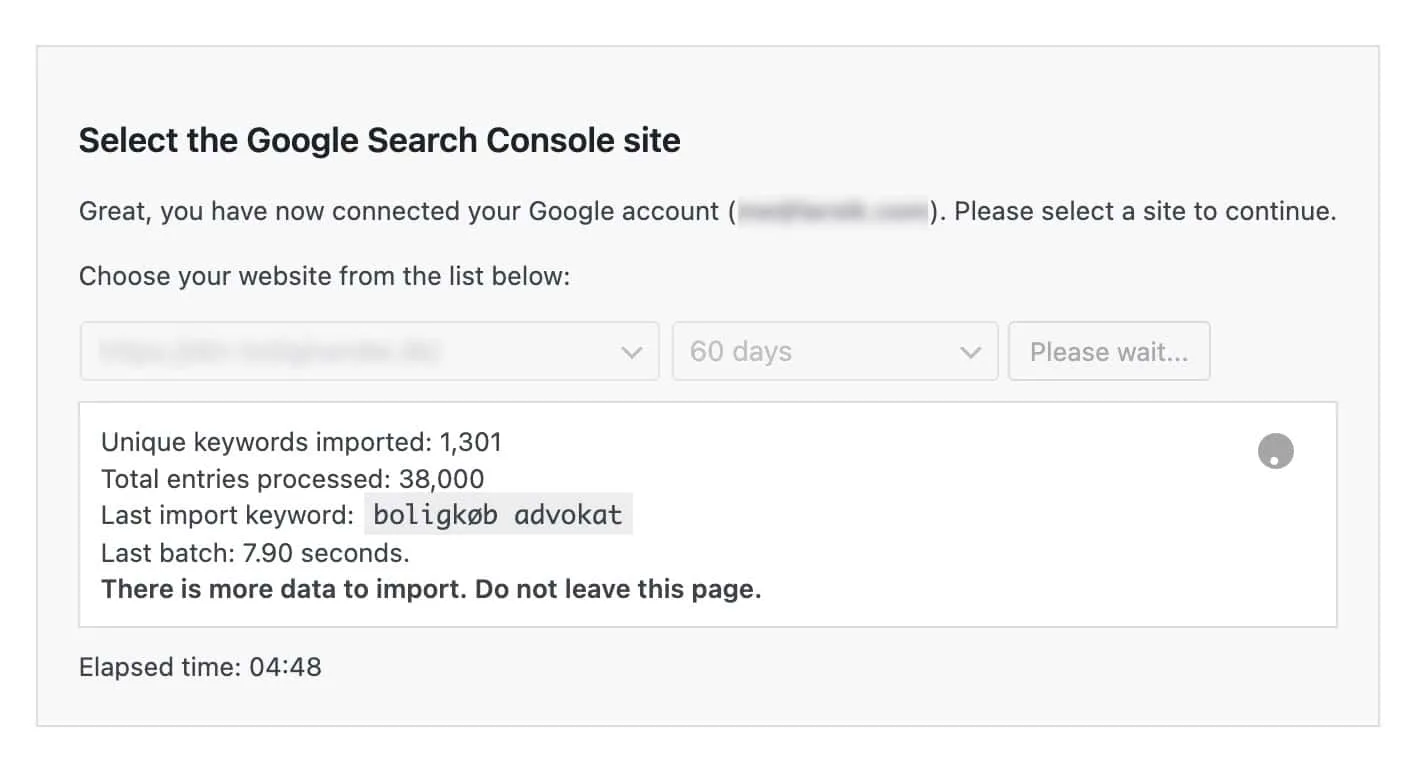
Importing keyword data


Once the import is complete there is a button that will take you to the plugin dashboard.
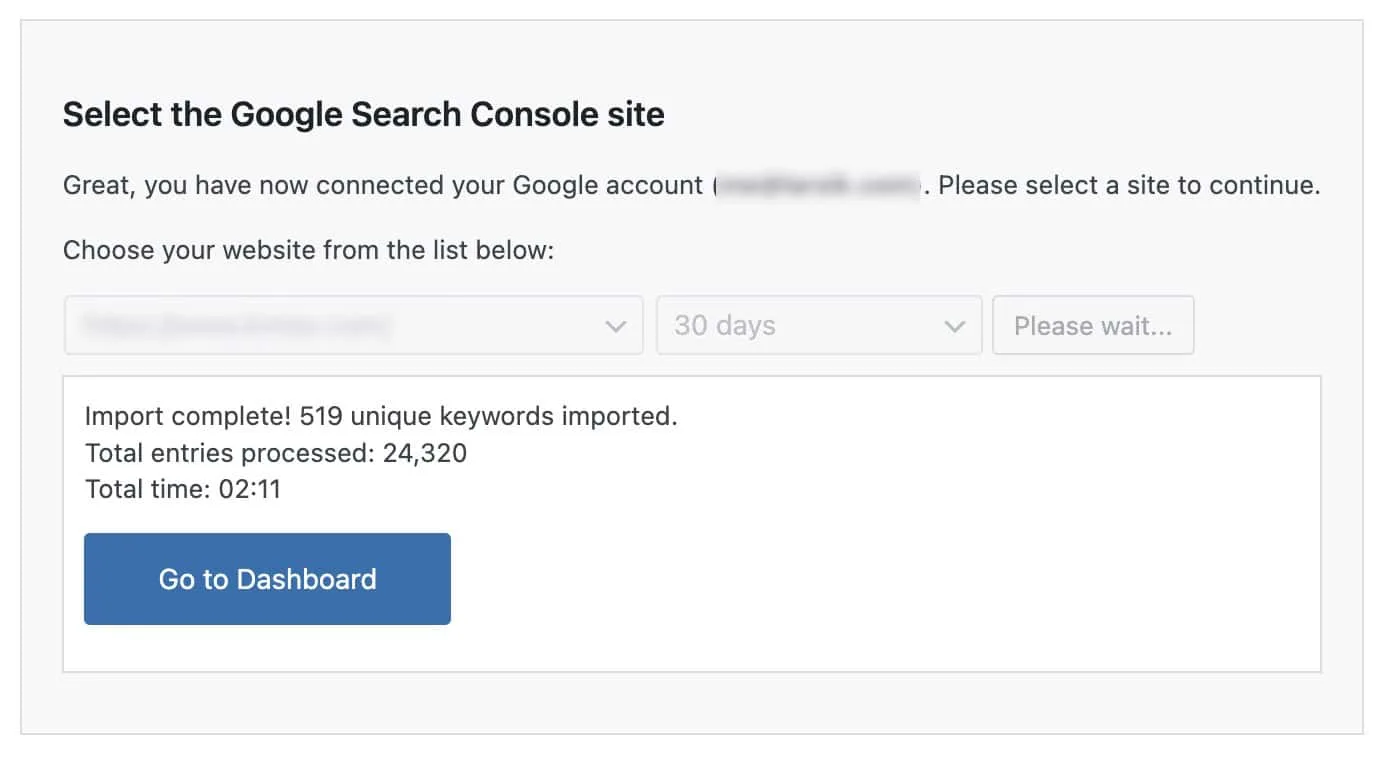
Go to dashboard

Boost Your Rankings with Smarter SEO


Experience effortless optimization, actionable insights, and automated tools, all designed to supercharge your WordPress site

Level Up Your SEO!
21 Days of Actionable Tips, One Email at a Time 📈

Sign up to receive daily, actionable strategies designed specifically for SEO Booster users, along with general SEO insights to help you dominate the search results.

  • Connect & Set Up: Connect Google Search Console and set up the plugin.
  • Dashboard Navigation: Explore your dashboard and detailed GSC insights.
  • Add Keywords: Easily add keywords for automatic internal linking.
  • Weekly Reports: Review weekly SEO reports for actionable insights.
  • Fix Cannibalization: Identify and resolve overlapping keyword usage.
  • Advanced Insights: Unlock detailed reports for deeper analysis.
  • SEO Knowledge Hub: Access expert SEO tips and track our journey.
  • Target Long-Tail Keywords: Optimize for niche keywords to boost conversions.
  • Improve CTR: Optimize meta tags to enhance click-through rates.
  • Resolve 404 Errors: Quickly identify and fix broken links.
  • Optimize Top Pages: Focus on enhancing your best-performing pages.
  • Revive Lost Keywords: Refresh content to regain lost traffic.
  • Tackle Keyword Decline: Address falling keyword performance.
  • Discover New Keywords: Expand your reach with emerging search terms.
  • Optimize Q&A: Target question-based queries for featured snippets.
  • Smart Internal Linking: Use advanced linking to fix cannibalization.
  • Uncover Long-Tail Opportunities: Find high-value niche keywords.
  • SEO Checklist: Ensure you cover all essential optimization steps.
  • Weekly Updates: Stay informed with regular performance reports.
  • Monitor SEO Progress: Check your growth and adjust strategies.
  • Enhanced Internal Linking: Strengthen site structure with optimized links.